March 2025
3/19/2025 – Release 25.02
|
NeosAI Notes Summary (NeosAI Platinum Customers Only) |
Users can summarize individual or multiple notes using AI as well as receive suggested next steps, saving time and improving productivity. |
|
Include Case Information in NeosAI Chat (NeosAI Platinum Users Only) |
1. Users can select the records from the case they want to use for NeosAI Chat conversations. 2. Users can include flat tabs or the records they have selected from list tabs and ask questions about these records. |
|
Include Dynamic Forms in NeosAI Document Generation (NeosAI Platinum Users Only) |
1. Users can choose which dynamic forms to include in the prompt when generating content with AI during Document Assembly, ensuring not every form in the case is included. 2. Removed the character limit on the body of notes included as context while generating documents with NeosAI. 3. Removed the character limit on Document Summaries |
|
NeosAI Document Extraction Enhancements- (NeosAI Platinum Customers Only) |
1. Users can view medical codes from AI extracted data in Advanced Search and on Dynamic Form Grids, making the data reportable and easily accessible. 2. Users can view the medical codes associated with the title column of a form by hovering over it in the Dynamics Layout Tab. 3. Users can perform AI analysis on documents in bulk, eliminating the need to do it separately for each document. |
|
NeosAI Dynamic Forms UX Improvements (NeosAI Platinum Users Only) |
The UX for Dynamic Forms has been updated making them easier to view/use: The delete button was moved from the 3 dot menu to trash can icon. Dynamic Form entries open in a full screen and allow you to navigate back to the case. |
|
Auto-Populate Subject Line: Email and Case Calendar |
1. Provides the ability for Neos to auto-populate the subject line when creating a new Email and/or Case Calendar Item. 2. When users create new emails from the Quick Add drop down by clicking the “Send Email” button, the Case Name and Case Number is automatically populated in the subject line. |
|
Interest Calculator Enhancements |
1. Enhances the current functionality of our Interest Calculator by providing users with the option to calculate interest using one interest rate for all values or variably by month. 2. Users with firm preferences can now go to Firm Preferences > Time and Billing to view and modify their interest rates for any month in any year. The default rate is 0% until the user changes it. These configured rates will be used when calculating interest in value using the ‘variable monthly interest’ option. |
|
Stamps.com Enhancements (Must have Stamps.com Integration Enabled) |
1. The “Add Funds” external link has been replaced with an “Add Funds” button. 2. Users can toggle showing the return address on and off when creating First Class Mail postage. 3. A new “Postage” note type and tab have been created and are visible in the Notes tab. 4. Toggle was removed from Stamps.com Postage Note Creation. Now, postage notes are always created when printing postage. 5. Users can reprint a batch of postage up to three times within 24 hours after purchase. 6. Users can cancel an entire batch of purchased postage. 7. Users can click the new “Sign Out” button next to the account balance to trigger the credentials modal to restart the postage workflow with a different account. |
|
LEDES Enhancements (LEDES Billing Must be Enabled |
1. When downloading a LEDES invoice we have added an “Append Matter ID Checkbox” . If the user enables the “Append Matter ID” to each line item then we’ll map the Law Firm Matter ID to both the Law Firm Matter ID (which it does today) the and Client Matter ID in the LEDES98B Export. 2. Added a Client ID dropdown in firm preferences that allows a user to choose from: Client ID (default selection), Alternative Case Number Label # 1, Alternative Case Number Label #2. This selection will inform the value mapped to the “Client ID” in the LEDES98B export. 2. When downloading a LEDES 98B invoice, if you set the billing period start date and end date close together, a caution box will open, warning the user: “Billing Period Selection.” Selecting a shorter date range may result in fewer line items. |
|
Outlook Add-In Enhancements |
1. Updated the icons that appear when there is an error tagging an email or its attachments. 2. The primary icon is now a mail icon, rather than the Intakes tray icon. 3. The “Open Outlook” link now has a specific icon to communicate users will be taken out of Neos. |
|
Memo and Description in Sync |
The description on billable time entries will now sync with the Memo field on the linked value item. |
|
Other Enhancements |
1. A Case Name now appears instead of a first party name on recently opened search results, contact card case and intake view, and contact search modal. 2. Updated all text in the app to match the design system and accessibility standards. Updated colors to match the Design System. 3. Advanced Search/Reports Export: Adjusted the export options to display margins in inches instead of centimeters and aligned the normal spacing to match the other margin options. 4. Advanced Search: When a user double-clicks on any result from the staff primary record in AS, that staff profile will now open in a new Neos tab. 5. Calendar permissions have been removed from user permissions as they don’t serve any function. 6. If a user has any case # or Case Type Exceptions any Existing Case Dates or Checklist Due Dates will be hidden from the Calendar View. 7. When you are in the Calendar tab and switch to “agenda view” or “month agenda view”, focusing on an event triggers a popup. The issue where moving the mouse anywhere on the screen caused random popups (i.e. add a staff, change filters, or try to see views) has been resolved. 8. The option to check “Calendar Items” was removed when selecting “Actions > Replace Staff” from the Staff Profile. 9. Removed the “From” filter from API access. All API advanced search queries should now be using the custom filter that was introduced last year. 10. In Release 25.01, the 3 Dot Menu under Staff Calendars in Global Calendar was hidden. The decision was made to bring it back with this release. 11. Updated ChartSquad email address in integration page help section. Only Integrations@ChartSquad.com should be used as a support email for their Integration. 12. When adding an address to a contact, functionality was changed so users can add a manually entered City easily rather than forcing a selection from the dropdown that is driven by zip code. |
February 2025
02/11/2025 – Enhancement Release
|
Direct URL Login Authentication/Document Generation: Value Dropdowns |
New enhancements have been released to fix a login authentication loop when using the Neos direct URL with Single Sign-On after the initial login. They also address a cache issue that prevented newly created Value entries from displaying in the Document Generation dropdown fields. |
02/04/2025
|
QuickBooks Integrator Update (v.2.2.26) |
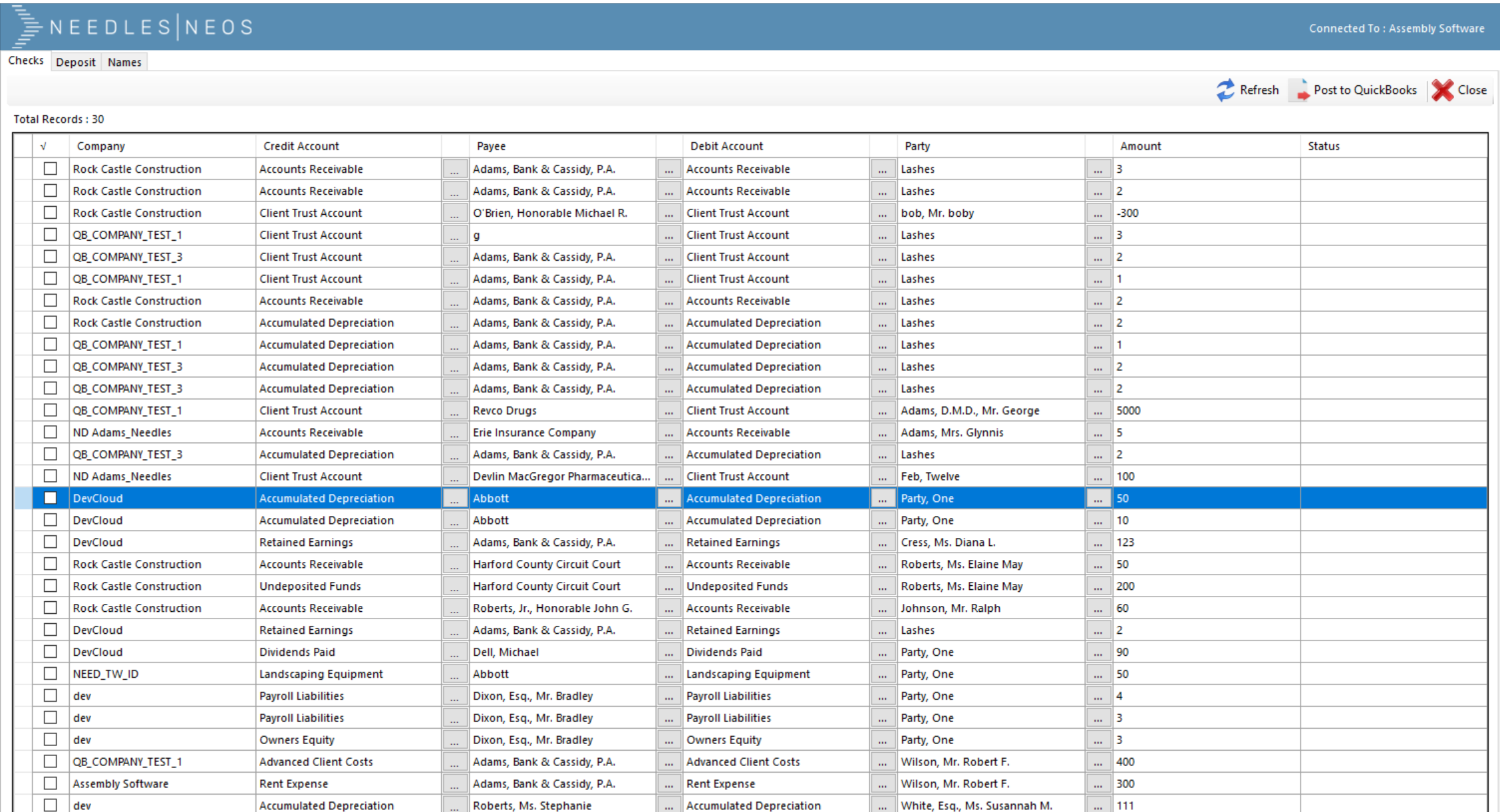
Please use the following link to download the latest version of the QuickBooks Integrator: Download QuickBooks Integrator |
January 2025
01/28/2025- Release 25.01
|
Interest Calculator |
Provides users, who manage the settlement of cases, with the ability to easily calculate and apply interest to a case during settlement calculations so you no longer need to do this manually and it will now be appropriately documented in Neos. |
|
Stamps.com Integration |
This Feature provides a Stamps.com Integration with Neos. Users have the ability to create postage and shipping labels to the contacts for any case within Neos using an existing Stamps.com account. They can also choose to save the cost of the postage to the case as a case expense. |
|
Enhancements to UX/UI |
1. Updated “Browse Intakes” to the Syncfusion Grid: Updated all Filters (but Party Name) to sit in the 3-Line Filter Menu. Bulk Actions now works the same for Intakes. The “Column Chooser” sits in the 3 Dot Menu in the Header for both Intakes and Cases. 2. Updated the Header throughout Neos. Users will now see the Header expand to the full width of the page so that all the important information is laid out. Padding was also updated to be consistent across Neos. 3. Updated the Navigation Tabs throughout Neos – the navigation tabs now appear below the header and have icons when necessary. 4. Moved the play/pause button, for the announcements section of the login page, to the bottom of the page. Also updated the layout when the captions were long or no background image was defined. |
|
Enhancements to NeosAI (NeosAI Platinum Customers Only) |
1. Increased the character limit for document summaries to 8k characters. 2. Users can now continue a previous NeosAI Chat conversation from a side note so they don’t have to start it all over again (if the user is continuing a conversation, they can now close the case and reopen the case without sending a new message, the continued message will still be there). |
|
Enhancements to Cases |
1. Address Line 2 now displays in the Party Preview side pane when selecting a party from the party tab of the case. 2. Value filters are now applied to subtotal calculations: Users will see that all the filters they’ve applied to their “Values List” will now apply to the subtotal calculation so they can only see the subtotal of the values they are currently viewing. If the user selects any rows in their “Values List” those will be the only things calculated on when they click on “Subtotals”. 3. The “Provider” filter has been added to the filter in the Values tab. 4.DTF values now copy the value category from its parent: When a user creates a “DTF” value item, from a transaction, the “DTF’S” value category will now be the same as the value category from the originating value item. 5. Users now have the ability to filter for more than one note topic at a time. 6. The Memo Field in Value Records that are linked to Time Records is now editable. 7. Moved “Reply All” out of the 3 Dot Menu in Message Details (When a user is composing a message, when they are in the message details, they will see the following: Reply/Reply All/Forward as secondary buttons). Under the 3 Dot Menu you will now see: Reply/Delete/ Move To/Delete/ Mark as Read. 8. Users can now edit their value notes from the side pane so they no longer must open the full detail screen to make edits. |
|
Enhancements You Can Make in Your Settings Tab |
1. Added to the invoice download modal for Word and PDF Formats the following options: Alt Case #1, Alt Case #2, Date of Incident, Docket #. Removed the Rate Column option added to the invoice download modal for both Word and PDF Formats. 2. The UTBMS Code has been added to the Task in the “Exception Rates Table” like we are able to do today in Task Dropdowns. 3. Custom Invoice Information: Allows users to include details on the invoice (such as the Tax ID) so that they no longer must manually add it to every invoice. There will be a 250 max character input for this field. |
|
Enhancements to Advanced Search |
1. Users can now add more than one email to the Advanced Search subscription. 2. Provider roles have now been added as a column in Advanced Search (currently you can add a Provider Role as a filter in any Contact search within AS but you are not able to add the Provider Role as a column in any of those searches). 3. Forms now support reference-type fields in both grids and Advanced Search, displaying selected options directly in columns and enabling interactive communication through clickable fields like phone numbers and email addresses. 4. Double Click Results: Users can now double click in any result in the following primary records to open that record in a new Neos tab: Case Records, Counsel, Parties, Accident Info, Case Docs, Check Requests, Police, Invoices. 5. Added the following Standard Reports for Advanced Search: Case Document Search, Conflict Check, Detailed Medical Bill Summary, and Detailed Medical Bill Summary by Provider. 5. Updates to checklist items made in bulk are now done in the background and users receive a notification when complete. |
|
Enhancement for Premium Texting Customers Only |
Firms now have the ability to get notified of updates to text message conversations automatically so that not all “Case Staff” are being notified for each new message. A user with “View Case Types” permission enabled: When the user opens the settings for a case type, then they will see a “Receive Notifications” checkbox for each staff assignment. The Default is set to “OFF”. Under Staff Assignments you will see the roles that are automatically going to be assigned once they select the “Receive Notifications”. You still have the control to remove are add to who is being subscribed to the notifications. “Staff” has been changed to “Subscribed to Notifications”. Given a user with the “View Case Types” permission enabled: When the user clicks the “Info” button next to “Receive Notifications” then the tool tip will show the following: Automatically subscribe this staff to receive notifications for this case type (communications, updates, etc.). Given a user with the “Modify Case Types” permission enabled: When the user changes the “Receive Notifications” option for a staff assignment, then they will be able to save it. When the Firm receives a text message that is automatically assigned to a conversation in a Case, then the “Staff in Staff roles with Receive Notifications enabled in the case will receive a notification for the new message. The “Staff” in the conversation will receive a notification for the new message also. If a staff is in both, they will receive only 1 notification for the new message. A Firm with at least one text conversation, when the user opens the conversations, they will see the “Staff” field renamed to “Subscribed to Notifications”. |
|
Enhancements to Your Staff Profile |
Created a Current Staff Profile Page that allows users to quickly open their Staff Profile Page to make edits. They can edit their profile now without having to go into Staff Directory. They will need to activate “My Staff Profile” under Staff Profile Permissions. This new permission: Provides the ability for users with permissions to “View Staff Directory” or “View Permission Groups” to see a new permission called “My Staff Profile” under “Special Permissions”. This will default to disabled for existing and new Staff. Provides the ability for users with permissions to “Modify Staff Directory” or “Modify Permission Groups”: When they modify their special permissions those permissions will be saved. Provides the ability for users with the “My Staff Profile” enabled to see the “Staff Profile” button in the left navigation menu (if they are not enabled, when the user logs into Neos, they will not see the “Staff Profile” button in the left navigation window). Users with the “My Staff Profile” permission enabled and the “View Staff Directory” permission enabled: When they open their “Staff Profile” (either through the left navigation button or from the Staff Directory list) their staff profile will be the same as it appears today with everything showing. Users with the “My Staff Profile” permission enabled and the “View Staff Directory” permission disabled: When they open their “Staff Profile” from the left navigation menu then their “Staff Profile” will open with the following items hidden/disabled: Hidden/Active label and info button and checkbox/Neos User label and info button and checkbox/Actions menu in header/Permissions tab/Staff Group tab/Time & Billing tab. Disabled/Staff Code Input field. Users with the “My Staff Profile” permission enabled and with the “View or Modify” Staff Directory permissions disabled: When the user makes changes to their own Staff Profile, Notification settings, or Advanced settings they will be able to save their changes. When a user opens a staff settings page, the tab in the top navigation will include the account-circle-outline icon. |
|
Resolution to Minor Issues |
1. Case Tab filters will no longer persist across cases. When filtering within a case tab (such as for Notes, Value, Time, Documents, and Calendar) the filters now persist for the user within the case and session. The search filters no longer persist in other cases (sorting and columns will continue to persist for a user within case tabs). 2. When opening an Intake a user will now see “Activity Feed Plat” above it. This indicates to users that this is behind the NeosAI Platinum Package. 3. Resolved issue with Multiple Document Email Subject Display: Emailing a single document from case documents populates case details in the subject. If you multiselect multiple documents however, it instead provides a document count in the subject. It also provides a document count in the subject when emailing multiple documents from several cases in browse docs. Now the subject will show case details when emailing any number of documents from case docs. 4. Resolved issue with Open Checklist creating a “Completed by” & “Date” when using Bulk Actions. |
|
PDFTron Update |
PDFTron has been updated to the latest version. This introduced no new functionality but resolved several outstanding issues. This upgrade will allow for expanded functionality in the future (i.e. PDFA Conversion or the Ability to Edit Text of PDF Images). |
December 2024
12/03/2024 – Release 24.05
|
NeosAI Chat (NeosAI Platinum Users Only) |
The new NeosAI chat provides the ability to ask questions and interact with case documents and images, delivering instant, document-specific answers with customizable prompts for enhanced relevance. Users are able to interrogate and ask questions directly about case-related documents and images, leveraging AI for instant accurate results. The customizable prompts are tailored to specific case or document types, ensuring conversations are contextually relevant. |
|
NeosAI Tag Manager (NeosAI Platinum Users Only) |
The new NeosAI Tag Manager enables the creation, editing, and management of AI tags for document generation, offering greater customizations and integration with case data. Existing tags can be edited to refine data sources or mark tags as inactive. It provides a preview feature to test your tags and see sample outputs before implementation. |
|
Dynamic Forms in Case Layout Manager (NeosAI Platinum Users Only) |
Dynamic Forms can now be incorporated into case type layouts making them always accessible within case tabs for streamlined data entry and organization. Dynamic Forms are also now supported in multiple tabs: Case, Party, Insurance, Value, and Counsel. Configuration options have been enhanced, as well, to provide drag-and-drop reordering, a flat form display for single records, and a grid view for multiple records. |
|
Dynamic Layouts Visualization (NeoAI Platinum Customers Only) |
We have included a new Dynamic Layouts tab within both cases and intakes that present all dynamic forms included within the case or intake providing clearer visibility and management of case and intake related records. Both the “Title” and “Date” fields are configurable for each Dynamic Layout, allowing pertinent information to be clearly displayed in both the Dynamics Layouts Tab and Advanced Search. |
|
NeosAI Summary Enhancements (NeoAI Platinum Customers Only) |
AI Summaries are now able to handle larger documents (up to 175 – 200 pages or 512,000 characters) and includes page references for easier traceability while standardizing the quality of the summary across all supported document types. It will also provide you with the last page number that was included in the summary. |
|
NeosAI Document Extraction Enhancements (NeoAI Platinum Customers Only) |
This new feature adds a “Pop-Up” view that displays the original context of a document’s extracted information , allowing cross referencing with the original content in the document for improved accuracy and visibility. This provides a streamlined workflow to quickly view and validate extracted information without leaving Neos. |
|
Dynamic Forms Enhancements (NeoAI Platinum Customers Only) |
Dynamic Forms now support reference-type fields in both grids and Advanced Search, displaying selected options directly in columns and enabling interactive communication through clickable fields like phone numbers and email addresses. |
|
Advanced Search Enhancements |
We’ve enhanced the functionality of Advanced Search by including the following: Renamed the “From” Operator to “Custom” – users will now be able to select these options: Yesterday/Today/Tomorrow/Last ; Ability to filter by “Current Staff” ; Ability to double click results ; Ability to search for Emails, Phone Numbers, and Addresses ; Ability to save export options to subscriptions ; Adds “Stage” as a column to Intakes and Case Primary Records. |
|
Activity Feed Grid View & Enhancements |
We’ve introduced a Grid View of the Activity Feed for better organization and readability. In addition, we now provide an expanded description in all the Activity Feed Views (User who Made the Update/Type of Activity/Name of Document). |
|
Additional Minor Enhancements |
In “My Dashboards” the “Columns” option has been removed from the 3 dot menu of Table Tiles. Now, the columns you select in the Advanced Search query and save are the ones you’ll see in “My Dashboards” ; Calendar events from the search/list view can now be opened by double clicking ; Outlook Add-in will return error messages in the Neos notification bar when there is an issue that resulted in an email or its attachments not tagging appropriately ; Signed documents are now downloaded from DocuSign as a combined pdf, including any required or optional attachments, and the certificate of completion ; LEDES Invoice Enhancement ; Updated “Duration” to “Time Spent” ; Advanced Search: Add or Remove Columns selector saves the search when you make a selection ; Primary Checklist Filters Update: Filter by Active, Inactive, or All. |
October 2024
10/09/2024
|
QuickBooks Integrator Update (v.2.2.25) |
Please use the following link to download the latest version of the QuickBooks Integrator: Download QuickBooks Integrator This version resolves the following issue that was previously reported: Users are receiving an error when posting checks after upgrading with QB Integrator version 2.2.24. It says “Object reference not set to an instance of an object.” |
September 2024
09/30/2024 – Release 24.04
|
Dynamic Forms Enhancements (NeosAI Platinum Users Only) |
We have included several new enhancements for Dynamic Forms: Users will now have the ability to add Dynamic Forms to Advanced Search, manage columns for Dynamic Layouts, as well as add Dynamic Forms to the following tabs: Counsel, Insurance, Value, and Party. In addition, users can add dynamic forms as part of the current record or as a new tab, depending on the form being added, so that it appears at the bottom of the current tab and is easily accessible. |
|
NeosAI Document Extraction Enhancements (NeosAI Platinum Users Only) |
We have included several new enhancements for Document Extractions: Users now have the ability to perform contact extractions for documents in Neos and have the ability to generate summaries from images. In addition, users can see all of the medical codes provided by the NeosAI extraction. They will no longer have to look up the codes separately. |
|
NeosAI Document Generation Enhancements (NeosAI Platinum Users Only) |
This enhancement allows users to extract information from invoices and receipts in the global value list. Additionally, document summaries are now available in the side pane preview of the document details. |
|
AI Document Generation Enhancements (NeoAI Platinum Customers Only) |
We have improved the functionality of generating documents in NeosAI by enabling the first dropdown in each section to show the data sources that are included in that section so that it is easy for the user to see and change if needed. |
|
Calendar Enhancements |
Following the release of Calendar v2 we are continuing to invest in improvements to fine tune our Calendar to our Customer’s needs. In the case calendar users are now able to open any event that they are an attendee in even if the user doesn’t have permissions to edit the organizers calendar; We have updated wording in calendar modals to show events that are not in Outlook as ‘Archived Events’ instead of ‘Case Events’ ; All Day Events now show the Correct Time in the Primary Record, Advanced Search, and Activity Feed. |
|
Advanced Search Enhancements |
We have further enhanced the options in Advanced Search. These include: Providing the ability to send archived events to Outlook in bulk from Advanced Search so that a user can see their events in the global calendar without having to push them one by one; Archived Events & Outlook Events are all now available with Calendar Advanced Search (historically only Outlook Events were appearing in Advanced Search); The “Event Type” column is now available in Calendar Advanced Search; Added Invoice Data to Advanced Search as a Primary Record and in the Value/Value Transaction. This provides the ability to create and subscribe to reporting on invoices, entries that have been invoiced for, invoice data in a value entry and export invoice metadata; Implemented Excel Export in Advanced Search so that users can now export their query results as an Excel file so they can have all of their groupings, footer, and aggregates exported into an Excel sheet so data can be manipulated further; Users can now sort by Due and Amount columns in Value, Accounting and Advanced Search. |
|
Zoom Phone Integrator Enhancements |
After making a call, when users are writing notes, the notes field will cap out a 5k characters and it will provide the user with an error message stating that it capped out a 5k (previously it capped out a 1k characters and did not provide the user with an error message letting them know that they had hit the maximum number of characters). In addition, we have created a Zoom Intake Auto-Creation Zoom Intake Auto-Creation by setting Call Queues.. This enforces the Zoom Intake Auto-Creation setting based on any calls answered on a specific call queue instead of by a particular staff. |
|
LawToolBox: Trigger Date Mapping Enhancements |
We have provided some additional enhancements to the LawToolBox Deadlines Feature: Case dates that have been mapped are now color coded within the case date label mini directory to make them more easily identifiable; Users now have the ability to map all trigger dates for a given rule set instead of mapping from the individual case date one by one; Users can also create a new case date to associate with a trigger date without leaving the Map Trigger Dates workflow. |
|
Combining Documents Search Performance Enhancement |
When users are combining PDF’s within a case and they select “Add Document” a box now appears that says “Search Case Documents” that allows users to search only their case documents (previously you had to search all PDF documents in SharePoint across all cases). This box to “Search Case Documents” will be selected by default. This will make it quicker to find the pdf’s you need. |
|
Retaining Notes Position |
After opening a note side pane, the notes position is locked – when a user scrolls down in the notes tab list and single clicks on a note to open the side pane it retains the selected section/position of the clicked note in the page after opening and closing the side pane. The same will occur when a user double clicks on a note to open the note detail. |
|
Checklists Setting Changes Occur in the Background |
Primary and Auxiliary checklist changes are saved and propagated to open cases in the background so users can now continue to work while it is running and receive a notification when it is completed |
|
Browse Documents Performance Enhancement for Large Firms |
We have added a toggle to Firm Preferences>Documents called “Also Search Neos Data”. When toggled OFF, searching within Browse Documents will only search the fields available in SharePoint for a document (file contents, author, document name, etc), not the Neos only metadata such as Notes or Subject, which are less commonly used. |
|
Replaced Standard Case Listing Reports with Saved Advanced Search Queries |
The following list of reports have been recreated as Advanced Search Queries. Clicking these reports from the Report Library will now open them in Advanced Search: Case Listing by Alternate Case Number 1; Case Listing by Alternate Case Number 2; Case Listing by Case Number; Case Listing by Case Opened Date; Case Listing by Case Statute and DOI; Case Listing by Case Type; Case Listing by Checklist Statute Date; Case Listing by Case Code; Case Listing by DOI; Case Listing by Party Name; Case Listing by Staff Assigned; Case Listing with Synopsis; Case Listing by Judge Please Note that a user must have permissions to the Report Library and the Case Tab to use these reports |
August 2024
08/27/2024 – Maintenance Release
|
LawToolBox Deadline Enhancement |
Case dates that have deadlines that failed to be created/recreated in a batch will remain in the “can be calculated” status. |
08/16/2024 – Maintenance Release
|
Neos Calendar Enhancement |
Both “Location” and “Notes” have been added as columns to the Calendar Advanced Search. |
08/13/2024 – Maintenance Release
|
QuickBooks Integrator Update (v.2.2.24) |
Please use the following link to download the latest version of the QuickBooks Integrator: Download QuickBooks Integrator This version resolves the following three issues that were previously reported: Client disbursement check requests are filling in with the job on check requests instead of the customer information; Pending checks from QuickBooks SDK still show up in the accounting tab after switching to QuickBooks Online; Users are receiving an error when posting checks after upgrading with QB Integrator version 2.2.22. It says “Object reference not set to an instance of an object”. This can also cause the integrator to quit responding after getting this error and not resolve itself, forcing the user to close it through the task manager and reopen it for it to work again. |
08/06/2024 – Release 24.03
|
Outlook Add-In Enhancement: Case Suggestion |
The Outlook Add-in will now suggest the Case, Intake, or Provider that has been previously tagged in an email (“Tagged In Thread” section). It will also suggest recently touched Cases, Intakes, and Providers (“Recent” section) in addition to the existing functionality of suggesting entities based on email matching (“Matching Email” section). |
|
Calendar V2 Enhancements |
Multiple improvements have been made to the new Calendar: Case Calendar views with the ability to sort Case Events and Calendar Events; A new “Send to Outlook” option as a part of Case Events; Staff Groups added as a part of the Global Calendar; and reinstated 3 standard reports: Calendar Report, Calendar Report 30 Day by Staff, and Provider Attached to the Calendar Item. |
|
AI Content Extraction Enhancemnts (NeosAI Platinum Customers Only) |
This enhancement allows users to extract information from invoices and receipts in the global value list. Additionally, document summaries are now available in the side pane preview of the document details. |
|
AI Document Generation Enhancements (NeoAI Platinum Customers Only) |
Inputs to AI Document Generation from list tabs (i.e. Party, Insurance, etc.) are now multi-select. All selected records are formatted and sent to the AI for context when generating a section. |
|
Dynamic Forms Enhancements |
Users can setup forms that can be added as new tabs in a case, independent of case type, or nested forms within other dynamic forms. We’ve also made the following improvements: Added new Case Fields: Address, Email, and Phone Number; More locations to add dynamic forms within a case; and the Addition of Permissions for Dynamic Forms. |
|
LawToolBox Deadline Enhancements |
LawToolBox deadlines are now synced to Outlook and are also visible in the Case Calendar and Global Calendar. |
|
Advanced Search Enhancements |
Includes expanded export options for PDF: Custom margins, Custom format, and the ability to justify (right, center, left) the firm logo and address. New Operations. In addition, added to the “From” Operator: Last Week, Last Month, Last Quarter, This Week, Next Week, next Month, Next Quarter, Next Year, and Next 180 days. |
|
SyncFusion Grid Update |
The “Browse Cases” tab has been updated with a new version of the grid. It remembers any sorting that you previously put in place, cleans up unnecessary white space so you can view more data, and provides a new “Column Selector” under the 3 dot menu for easier accessibility. |
|
Minor Enhancements |
The Certificate of Service Tags were updated to use “FirstLast” format for representing names, instead of the “LastFirst” format. Updated the “In Use” check for Case Fields to account for all locations – it also tells users the first location stopping the field from being deleted. Updated the “Create Documents and Forms” permission to be called “Templates” and applied the permission correctly to the “Document Templates” directory. |
July 2024
07/16/2024 – Maintenance Release
|
Use End of Service Dates Instead of Date Created for Line Items in Invoices |
Users can use the end of service date instead of the date created for line items in an invoice. |
07/09/2024 – Maintenance Release
|
Outlook Add-In: Multi-Select Bulk Tagging of Emails |
Users can now select multiple emails and tag them to a single case by selecting multiple emails in Outlook. |
June 2024
06/27/2024 – Maintenance Release
|
Implement Views in Case Calendar |
Case Calendar now has two new sections available. One is for events that are in Outlook (“Calendar Events”) and the other is for non-Outlook Case Events created during the cancel and rescheduled event workflows (“Case Events”). This allows you to keep a clean view of the most important events in the Calendar Events section while having your historical records for canceled or rescheduled events in the Case Events section to reduce the clutter. Both sections can be filtered and are sortable by Start Date, End Date, and Subject columns. If you want to see all events together, you can do so in the All Events section, however, it is not yet sortable. |
06/25/2024 – Maintenance Release
|
Allow Sending Case Event to Outlook in Case Calendar |
This provides Administrators with the ability to edit case events in the Neos calendar and send them to Outlook. |
06/20/2024 – Quickbooks Integrator Version Update
|
QuickBooks Integrator Update (v.2.2.23) |
Please use the following link to download the latest version of the QuickBooks Integrator: Download QuickBooks Integrator This version resolves the following two issues that were previously reported: Users unable to post checks with Integrator v2.2.22 due to errors when adding Customers and Check Numbers were not posted to Neos after the PROD-I-4496 Maintenance Release. |
06/05/2024 – Release 24.02
|
Intake Questions Show in a Case |
If a user has Intake Premium and uses Dynamic Forms they will now be able to view all the questions asked during the intake process while in the case. |
|
New Login Screen |
The Updated Login Screen includes upcoming product announcements, events, and notifications. Please Note – The Company ID and UserName/Email fields have been switched with the Company ID Field being the very first field and the Username/Email right below it. |
|
Calendar Re-Design |
Our Calendar re-design improves both the functionality and performance of the Neos Calendar. This includes: An updated UI for better visibility into your calendar events and an overall better user experience, a new global calendar search that allows users to quickly search their calendar events without generating a report, the ability to easily refresh a calendar to fetch the latest updates to calendar events, quicker calendar searching, printing, and exporting, a new cancel and re-schedule of workflows , improved reporting, and a variety of bug fixes including sync and performance issues. |
|
NeosAI Document Summaries |
Provides the ability to generate summaries of documents in moments and gather an understanding of the document without having to open the file and re-review. |
|
NeosAI Medical Data Extraction |
Enables users to effortlessly extract key details for accurate data entry and scalable performance. |
|
NeosAI Document Generation |
Users can now draft documents in seconds with a process that offers individual section modifications and a preview feature for accuracy validation. |
|
Single Sign-On (SSO) Updates |
Users can no longer change their email addresses when the “Logging in with Microsoft is Required for All Users” is toggled on, unless they are an administrator. A new Domain approval list in Firm Preferences on the Security Page mitigates the risk of third-party misuse of SSO. Shorter lived security tokens ensure that users that have their access revoked are automatically removed from Neos within the hour. Firms using SSO can control security from one place, e.g., set restrictions on locations and times when someone can or cannot log in to their Microsoft portal. |
|
Additional Dropdown Information in Document Generation |
More information is now displayed in the dropdowns during document generation to more easily select the correct record from the case to populate a document: When a User generates a document with a Template with the following Tags: Insurance Tags will see the Insurance Type, Insurer Full Name, and Party role in the dropdown. Counsel Tags will see the Counsel Full Name, Representing Full Name, and Party Role in the dropdown. Party Tags will see the Party Full Name and Party Role in the dropdown |
|
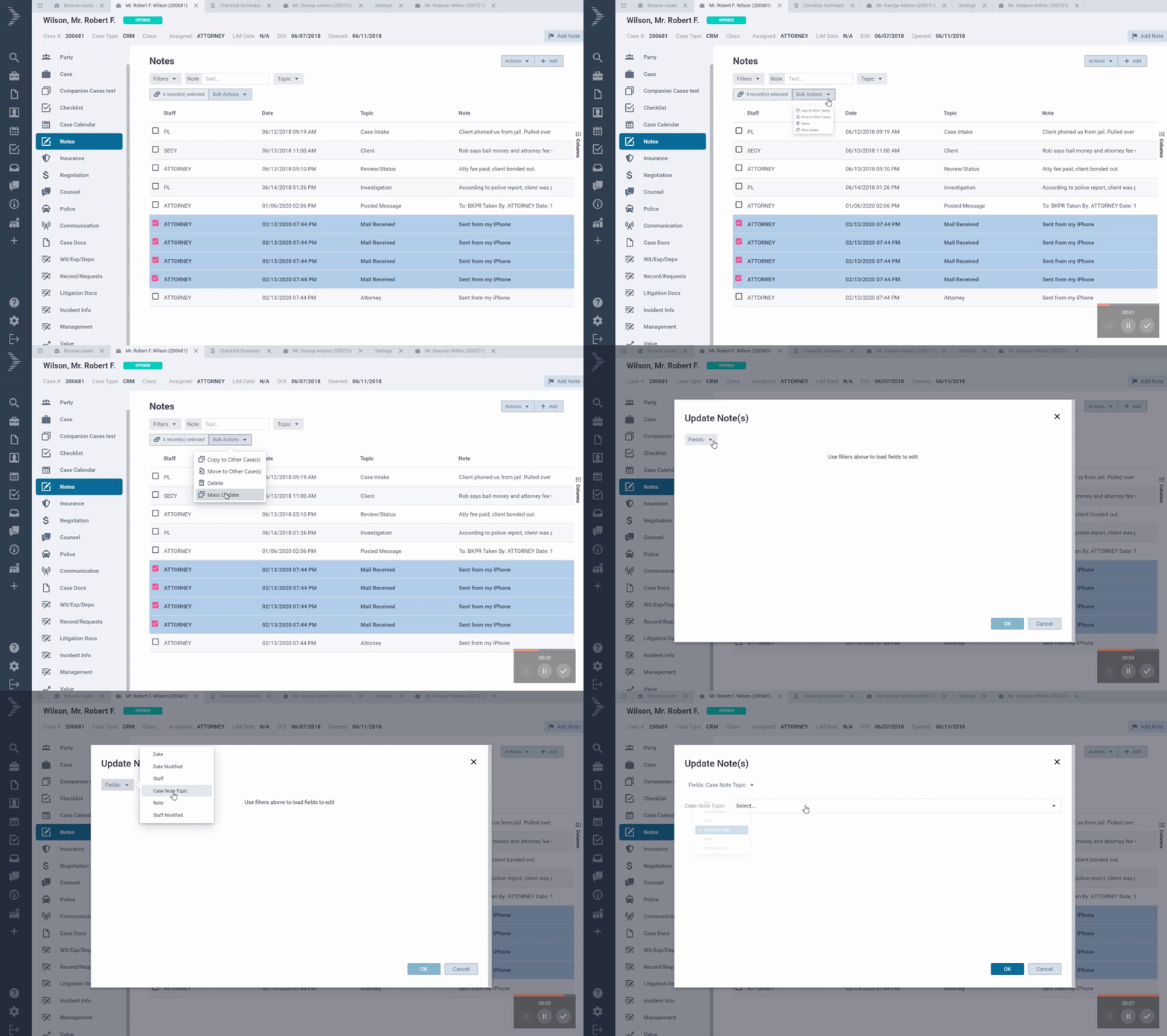
Add Tags to Bulk Updates |
This provides users with the ability to edit document tags in bulk: add or remove tags from many documents at once to improve efficiency. |
|
Neos Email Enhancements |
Emails now have CC and BCC options that will allow drop down multi-select or entering a custom value. Also, when opening the side panel for an email, the “To” input is now populated. |
|
Accident Information Tab – Advanced Search |
Advanced Search now has a primary record in the Accident Information Tab that allows users to report on data that exists for that tab in a case. “Cases,” “Intakes and Cases,” and “Accident Information” primary searches will now have “Accident Information” as a search filter criteria category. |
|
Updated Accounting Posted Status |
Integrating Partners now have the ability to set an external link to any value entry locking the entry in Neos and setting an entry to “Posted” status via an API. |
|
Document Generation as a Tab |
Document generation now occurs within a separate tab instead of a popup window. |
|
Notes Enhancement |
Users now have the ability to use Expand All/Collapse All in the Notes Tab. |
|
Update “Staff Created” Column and Criteria in Time/Value Advanced Search |
This updates the existing “Staff Created” column and criteria and renames it to “Staff.” Users will now be able to see who created a time entry with the “Staff Created” column and which staff was chosen for the time entry with the “Staff” column. |
|
Dynamic Forms |
Dynamic Forms is a new flexible location for storing data in Neos. This Feature allows for significantly more flexibility for storing user defined data. Add dynamic forms as new tabs in a case as well as add nested dynamic forms within other dynamic forms. It also enables AI Medical Record Extraction and dynamically storing the extracted data in Neos. |
|
Zoom Phone Integration |
We have added a new option, in addition to RingCentral, for integrated VoIP out of Neos. Firms can utilize the advanced functionality of click-to-call when interacting with phone numbers in a case. When a call is incoming, Neos can do a search to match the incoming call to a Case or Contact living in the Neos environment and automatically open a tab for easy note taking and streamlined assistance for a Firm’s client. Call recording and logging provides data records that can be easily transformed into Marketing data and help to increase productivity. Users can create a phone call note during a call. Users can control how they receive phone log notifications. New staff setting allows users to enable/disable opening a call log in a new tab. Auto-create intakes from Zoom calls and filter out internal calls from call logs with new firm preferences. |
|
InfoTrack |
InfoTrack offers the broadest eFiling coverage, with 10 states and dozens of jurisdictions. No other online process serving provider allows you to connect with the local serving agency that firms know and love. InfoTrack also includes a bundled capability that lets users file, serve, and file affidavits in one step. Case, court, and party data auto-populate from your Neos case. Returned documents sync back automatically to your Neos case. Choose your preferred server and connect to streamline orders via InfoTrack. Expert, top rated support via live chat, email, and phone. |
April 2024
04/25/2024 – Maintenance Release
|
Add Case Tags to Bulk Edit of Document Tags |
Users now have the ability to add and use case tags when bulk editing document tags within a case or intake. Users no longer have to edit each document individually to apply a case tag. |
04/16/2024 – Maintenance Release
|
Update Character Limit for QuickBooks Account Names |
When creating a Check or Deposit request users now have the ability to create QuickBooks Account Names with a character limit up to 650 characters. |
|
Neos QuickBooks Integrator Version Update 2.2.22 |
Users can download the latest version of the QuickBooks Integrator here: Download QuickBooks Integrator |
March 2024
03/21/2024 – Maintenance Release
|
Display Additional Insuance, Party, and Counsel Information for Document Generation |
Users now see more information in the dropdowns during Document Generation: Given a template with Insurance Tags, when a user generates a document with the template they will now see the insurance type, insurance full name, party full name, and party role in the dropdown. Given a template with Counsel Tags, when a user generates a document with the template they will now see the counsel full name, representing full name, and party role. Given a template with Party Tags, when a user generates a document with the template they will now see the party full name and party role. |
|
Add Tags to Bulk Update/Mass Update on Documents |
Users can download the latest version of the QuickBooks Integrator here: Download QuickBooks Integrator |
Updated 03/12/2024 – Neos QuickBooks Integrator Version Update
|
Neos QuickBooks Integrator Version Update 2.2.21 |
Users can download the latest version of the QuickBooks Integrator here: Download QuickBooks Integrator |
Updated 03/06/2024 – Maintenance Release
|
Allow for the Summing of Time for both Decimal and hh:mm in Advanced Search and Dashboards |
Users are now able to summarize and aggregate time spent and billable time columns in order to create reports around total, min, max, and averages for billable time/time spent per case/user. |
|
Add Case Tag when Tagging Uploads in Bulk |
Users now have the ability to add a new case tag when tagging multiple new uploads in bulk. This allows them to use a new tag that doesn’t exist yet and apply it to one or more uploads at once. |
|
Round Time Entries up to the Next Minute when Calculating Increments |
This provides the ability to round time entries up to the next minute when calculating increments with Billable Time. |
|
Implemented a Refresh Button in Case Calendar |
This provides users with the ability to use a refresh button and a date/time of last refresh in the Case Calendar so that users can now refresh events at any time. They will also be able to determine when the last refresh occurred within their case calendar. |
February 2024
Updated 02/07/2024 – Release 24.01
|
Add First Insurance Column in Advanced Search for Cases |
Users will now have the ability to run reports using information from the first insurance record listed in the insurance tab of a case (which, for some firms, is usually the client’s insurance record). |
|
Global Documents – Add Case Name and Case Type as Columns to Browse Documents |
When looking at the browse documents list, users will have the ability to see the case name and case type of the case containing the documents. Users will now be able to filter the browse documents list by case type. This will allow them to find all related documents in different case types. |
|
Time Tracking Features |
This is an expansion of Neo’s current time tracking & billing capabilities. Firms will now be able to utilize a firm level default time increment, as well as have the ability to display time duration as a decimal. |
January 2024
Updated 01/04/2024
|
Firm Level Default Time Increment |
Provides a new preference for setting a default time increment upon creation of a billable time |
|
Display Duration as a Decimal |
Provides a new firm preference for those interested in tracking and entering time in a decimal format instead of hh:mm:ss. |
December 2023
Updated 12/13/2023 – Release 23.04
|
Approval Process for Invoiceable Entries |
Provides the ability to approve and lock invoiceable time and value entries with new permission-based statuses that limit editing rights. |
|
Time & Value Manager |
Two new tabs have been added in the Accounting section that show all the time and value entries across the firm, providing an aggregated view of records across cases to make enterprise billing more efficient. It also makes it much easier to review many invoiceable records to identify any inaccuracies prior to invoicing. |
|
Checklist Completed Date |
Provides the ability to track and report on the actual completion date of Checklist items separately from the Due Date, enabling firms to gauge whether items are completed early, on time, or overdue |
|
Time and Value Sync Enhancements |
A value item that is linked to time will update the time when value is modified (deleting one will also delete the other and copying/moving one will also copy/move the other). The updated value details screen will provide all the time entry details if there is time associated with the value. |
|
Invoice Template Changes |
The invoice template has been updated to include in-line memos and dates on invoices. Other additions include a staff hours summary, billable hours that populate from the Quantity/Hours section, and chronologically ordered start of services under invoice for each category. |
|
Daily Report Subscription Enhancement |
Allows users to subscribe to advanced search reports on multiple, specific days of the week. |
|
Neos Premium Texting Campaign |
Provides an updated campaign registration flow to support |
|
Value Enhancements for Advanced Search |
Provides quick and efficient access to an advanced search for a case’s Value item. Additional calculated columns have been added to Advanced Search value items for total payments and total adjustments. Additional columns for balanced due and balanced amount have been added to accurately display positive or negative based on whether an item is a credit or debit so users can accurately sum and aggregate value amount due. |
|
Neos QuickBooks SDK Integrator Update – New Version 2.2.20 |
A new version is available for the QuickBooks SDK Integration (2.2.20). This solves the issue with the Integrator failing to export checks. Download QuickBooks Integrator |
|
Ring Central Enhancements |
Unnecessary notifications were removed. This also provides users with the ability to configure their own notification preferences. In addition, Notes created from phone calls will use the phone call as the Note date. |
September 2023
Updated 9/28/2023
|
Case Tab Migration |
Provides users with the ability to seamlessly transfer data from one case tab to another. |
|
Auto Populate Contact Document Specific Fields |
When users generate a document using a template that contains contact merge fields, this feature allows them to map those contact merge fields to contact document specific fields so that they are auto-populated upon creation. |
|
Sync Time & Value |
Billable time records and their corresponding value records will be synced. When a field in one record is updated, so is the other record. New tables for the time and value tabs. |
|
Billing Client |
This Feature will create a checkbox for a billing client on a contact card. Users then will be able to add a billing client to a case and default the billing rate for any time entries created for that case. |
|
Create Deposit Requests for Debit Transactions on Credit Value Items |
Users will be able to properly record deposits in Neos and deduct payments received from the total amount owed from a provider. |
|
Case Notes Subject Enhancement |
Allows general notes on a case to be further subdivided with a free text subject field for quicker search capability. |
|
Neos QuickBooks SDK Integrator Update – New Version – 2.2.18 |
New version available for the QuickBooks SDK Integration (2.2.18) Download QuickBooks Integrator |
June 2023
Updated 07/20/23
|
Bulk Import CSV (standard fields with duplicate check) |
When a new Customer migrates from a different case management system or an existing Customer needs to add a large number of newly acquired cases or contacts to Neos, import from CSV provides the ability to do simple intake, case, and contact bulk imports. |
|
Send New Emails from Neos |
Users now have the ability to draft and send a new email directly from Neos. |
|
LawToolBox Integration |
Litigators, who need to calculate deadlines for their cases, now have the ability to eliminate the manual calculation of deadlines based on the rule of civil procedure and other statuses. This integration monitors rules and updates calendar dates when an event is rescheduled or lands on a weekend or court holiday. |
|
Advanced Analytics |
This is our newest product that will revolutionize how firms maximize their business profitability! Powered by a lake of historical data, Advanced Analytics visualizes firm, group, and individual performance to help boost productivity, efficiency, and profitability. Within Neos, you can now forecast historical trends and perform advanced calculations to better inform data driven business decisions. |
|
Negotiation Time Expansion with Sorting |
Provides Case Managers with the ability to track the time of the negotiation under the Negotiation Tab. |
|
Document Record Linking Enhancements: Tabs 1-5 |
Provides users with the ability to link new or existing documents to individual records within User Tabs 1-5. |
|
Case Budget Updates in the Activity Feed |
Allows users to see updates, regarding the case budget in the activity feed, so that they can see a timeline of when things happened. A feed item is created when the budget is: enabled, disabled, edited, over threshold, or over budget. |
|
New Case Budget Notification Category |
Allows users to enable email or Neos-only notifications for case budgets within their Staff Notification settings. |
|
Case Budget Notifications |
Allows users to enable email or Neos-only notifications for case budgets within their Staff Notification settings. |
|
Added SSO 2.0 Support |
There is now a Firm Preference for the enforcement of SSO. |
|
Future Dates Added to Dynamic Date Ranges for Advanced Search |
Provides users with the ability to filter for dynamic date ranges in the future. |
|
New Integrations |
We now have partnership support with both YoCierge and Case Status. |
|
QuickBooks Integrator |
New version available for the QuickBooks SDK Integration (2.2.17). Download QuickBooks Integrator |
March 2023
Updated 03/16/23
|
Accident Tab |
Adds a new standard tab for all case types called Accident Information. Allows users to input and store all relevant information related to an accident |
|
Advanced Search – Dynamic Dates |
With configurable date ranges in Advanced Search, you can now create an aging report that shows activity over the last X days, so saved Advanced Search reports and dashboard widgets are automatically updated and reflected from today’s date |
|
Advanced Search – Email address |
You can now create email address reports using Advanced Search. Email address can be used as a filter and show as a column. |
|
Case Budget |
You can now track case budget for each case using the Case Header. Case budget is configuriable under case type settings and using the case header for specific cases. |
|
Case Header – Contact List |
With clickable contact lists users have the ability to call phone numbers from the list parties, providers, and related contacts without the need of leaving the case contact detail side pane |
|
Case Header – Quick Add Button |
You can now easily add items to case using the Case Header – Quick Add menu. This menu also includes a new option to add checklist item from anywhere. |
|
Case Header – Totals |
You can now add value and time total values to the Case header. The fields on the case header are customizable per case type using the Case type settings. |
|
Case Header – UI |
Case header now displays across the entire screen to improve real estate and put more valueable information at your fingertips. |
|
Case Phases |
You can now add up to 10 phases under each Case type. We’ve added industry standard cases phases per practice types to empower users to standarize how cases are tracked by phases and improve reporting and analytics. |
|
Checklist – Note |
You can now add a note to each checklist to improve collaboration and task management |
|
Contact Pages – Email |
Email moved from Online Accounts to newly created Email Section on Party Tab/Contacts |
|
Documents – Document Record Linking |
You can now upload documents from User Tab 2. Documents uploaded from this tab will always be displayed as liknked documents and will also be available in the case documents tab. |
|
Documents – SharePoint Sync |
New option available under the Case Documents menu to sync files and folders from SharePoint. If a user uploaded files directly to ShareFile, you can use the SharePoint Sync option to update the Case Documents tab and automatically update the case documents list in Neos. |
|
Documents – Sidepane |
Enhanced user interface for the documents sidepane and added section to enable editing data of document type specific fields |
|
Neos Premium Texting |
Neos Premium Texting allows firms to request a new dedicated business phone number to send and receive text messages directly in Neos. |
|
Notes – Expandable grid |
Notes table now has an option to expand the body of the note so you can see the full note in the list view. |
|
QuickBooks Integrator |
New version available for the QuickBooks SDK Integration. This version includes fixes and performance enhancements. |
December 2022
Updated 12/30/22
|
Activity Feed Tile |
Enhanced user experience for activity feed with a more compact user interface to increase efficiency browsing through activity across all cases. |
|
Activity Feed Tile Permission |
Added special permission to control staff access to the activity tile |
|
Digital Disbursement |
New integration with Digital Disbursement allows firms to disbursement settlement funds to clients electronically. |
|
Documents – Content Search |
Added new option to include document content when performing keyword search for documents |
|
Documents – Related Document Filter |
Added new filter to show primary documents only in the case documents list. This filter will hide any related documents to improve the document browsing experience. |
|
Communication Center |
Communication center is now available for all users. You can now use the communication center to manually enter call logs for cases. |
|
Case Header – Related Contacts |
Added new option to case header to see list of related contacts, parties, providers. This allows users to see a list of all contacts associated with the active case. |
|
Case Header – Synopsis |
Added synopsis as an optional value to the case header. You can add synopsis to the case header from the Case Type settings. |
|
QuickBooks Integrator |
New version available for the QuickBooks SDK Integration. This version includes fixes and performance enhancements. |
November 2022
Updated 11/30/22
|
Activity Feed Tile |
Activity Feed is now available as a tile for Dashboads. You can now see your case activity across all cases and intakes. |
|
Document Generation |
Counsel is automatically included in the certificate of service tags in document generation |
|
Text Notes |
New tab added under Notes to organize all text messages. Keep all texts sent to a specific number organized under a single note |
October 2022
Updated 10/25/22
|
Bulk Invoicing |
Bulk create invoices across multiple cases that represent all the value records that are billable and have not yet been billed |
|
Calendar |
Calendar now warns about Office 365 permissions when editing a note. If you don’t have access to another staff’s calendar, Outlook will not allow you to modify the event. |
|
Mailchimp Integration |
Keep your clients engaged with automatic bulk communications leveraging Neos Mailing list and the new Mailchimp Integration. |
|
Notes Tab |
The notes tab now displays value notes added from the Value tab. New sub-tab added to organize value notes under the Notes tab. |
|
Provider UI Change |
Updated user interface for the contact/provider detail screen. Information architecture was split into two columns: one for name/provider text fields and the second column displays tables for addresses, phones, and online accounts. |
|
Settlement Tab |
New settlement tab available under the Value tab. The settlement section will provide a space for firms to track disbursements related to a settlement |
|
Single Sign-on with Microsoft |
You can now log in with your Microsoft account to Neos. Please ensure you have your email already configured under your staff profile. Single Sign on is also available from the Office add-ins |
|
Value – Provider Info |
We’ve added the ability to open the provider sidepane from the value screen. Adding the ability to click on Provider from the Provider screen allows users to open the Provider sidepane so they can get more information about the value provider and even click to dial! |
|
QuickBooks Integrator |
New QuickBooks SDK Integrator available. This version adds support for single sign on with Microsoft. |
September 2022
Updated 9/21/22
|
Accounting Permissions |
Added permissions for Funds and Invoice sections of the value |
|
Dashboards |
Users will now receive a notification when someone shares or unshares a dashboard with them.. Staff code added to top of shared dashboard so users can easily tell who is sharing a dashboard with them. |
|
Document Tab |
Unique fields added to each standard type of documents. This allows users to add additional information that’s relevant to specific type of documents. The additional fields are available in both the grid and document detail. |
|
Document Type settings |
Associate a document type with a library of additional fields to give everyone the ability to add more information to medical documents, correspondence, depositions, discovery, subpoena and more. |
|
Notes Tab |
You can now use the Notes sidepane to quickly add and edit notes from the list of all notes. |
|
Notes Tab – Text tab |
Text messages sent from Neos are now automatically set as Text message type and can be quickly filtered using the new Text message sub section of the Notes tab. |
|
Value – UI change |
Fields moved up to a new section. Fields moved: Value code, amount, party, provider, and lien checkbox |
|
DocuSign Integration – PDFs |
Set up PDF templates with DocuSign signature tags and send them directly to DocuSign when generating documents in Neos |
|
Notes Tabs |
Notes are now organized by type. You can use the new tabs at the top to quickly browse through the different types of note under your case. |
August 2022
Updated 8/23/22
|
Accounting Permissions |
Added new permissions to allow the administrator to control access to the Neos Accounting Tab. |
|
Calendar – Unlinked events |
Quickly identify any events unlinked with Outlook and send them to your Outlook to keep both Neos and Outlook calendar in sync. |
|
Case Specific Document Tags |
Easily add tag documents with case specific information. |
|
Custom Dashboards |
Add up to 25 custom dashboards to Neos home screen. Custom dashboards can be shared with other staff. |
|
Documents Tabs |
Documents are now organized by type using tabs at the top. You can use the tabs at the top to quickly filter your case and provider documents by type. |
|
Documents – New standard fields |
New standard fields added to all documents to allow users to add additional metadata data to all documents. New fields added: Party, subject, sent date, received date, due date, delivery info and Notes. |
|
Documents Tab – UI Changes |
Added new button to allow users to quickly add documents from a template and moved Folder view next to list of filters. |
|
DocuSign Integration – PDFs |
Set up PDF templates with DocuSign signature tags and send them directly to DocuSign when generating documents in Neos |
|
Notes Tabs |
Notes are now organized by type. You can use the new tabs at the top to quickly browse through the different types of note under your case. |
July 2022
Updated 7/21/22
|
Client Master Rate |
New tab under Contact screen allows you to turn on/off master rates for clients. Set specific hourly billing rates for any contact in your address book. Automatically override the billing rate for all new cases associated with the client |
|
Notes – Email threads |
You can now see email notes grouped together by conversation thread under the Notes sidepane and detail screens |
|
LawPay Integration |
The LawPay integration will enable firms to securely and efficiently accept online Credit Card and ACH payments. From Neos you can share an invoice or trust request with your client and when they pay, records of the transaction will be automatically updated in Neos. This will improve firm collection rates, ability to track the status of payments and the experience for law firm customers. |
|
QuickBooks Online – Name Sync |
Name and default Address changes sync to customer and vendor that have a link type of Link & Update when the integration setting: “Sync address and name changes of customer and vendors” is turned off |
|
Related Documents Sidepane |
Drag and drop documents into related grids for a better user experience |
|
Settlement Calculator – Additional decimal points |
Precise settlement calculation when using attorney fee or referral fee percentages. This allows you capture accurate revenue amounts for larger settlements |
|
Settings – Permissions |
Added Accounting Permission Category to Staff Permissions |
|
Value Transactions |
Added default selections to Value transactions screen. This optimizes the user experience when adding common payments transactions to value items. Default options include: Transaction date defaults to today’s date Payment locks C/D to debit |
June 2022
Updated 6/28/22
|
Address Book |
List of all names in your Neos database in single screen. This screen used to contain only providers. Now it lists all your providers and parties in a single list with options to filter the list |
|
Case Header |
Customize the case header for each case type to see additional information about the case from any tab |
|
Checklist Reminders |
Add reminders to checklist items to notify staff when time critical tasks are due. Reminders will generate a in app notification and will be logged in the notification center |
|
Counsel |
Multiple Parties – You can now select multiple parties when adding/editing a counsel record |
|
Dashboards – Table Tile |
You can now add table tiles to Neos Today dashboard. |
|
PDF – Redaction and Flattening |
Redaction and Flattening – You can now redact PDF documents and flatten them before sharing them with clients. Flattenting documents will create a new copy of the file and redaction cannot be removed |
|
QuickBooks IIF |
Accounting tab now allows you to export checks and deposits requests in QuickBooks IIF format |
May 2022
Updated 6/1/22
|
Accounting Tab |
You can now see all check request, deposit request, name links and invoices for all cases from the Accounting tab. The accounting tab allows you to sync transactions with QB online if you have the integration enabled. |
|
Advanced Search |
New search for options added to list all calls logged in the communication center. |
|
Case Docs – Related Documents |
You now are able to group documents together by adding relationships. Related documents appear in the sidepane and in the document detail screen. |
|
Communication Tab |
The communication tab is available for the RingCentral integration. This new tab has a log of all incoming and outgoing calls to RingCentral phone numbers. |
|
QuickBooks Online |
QuickBooks Online integration is now available for Neos and QuickBooks online users. With QuickBooks Online integrations enabled, you can use the new accounting tab to sync customers, providers, checks and deposit requests. |
|
Settings – Value Code Mini Directory |
Value code mini directory now has a new Value Type option so you can categorize your value codes. This helps standardize common values to improve automation and settlement calculation. |
|
Settings – Duplicate Case Type |
You can now duplicate case types from the actions menu of the Case Type settings. Duplicating a case type will create a new case type and copy all case type settings, all tab layouts and checklist items. |
|
Settings – Permissions |
New permissions available for the new communications tab and invoices |
|
Value – Invoices |
You can now create invoices from one or more value items. Invoices are available under a new sub-tab under the value tab. You can also use the Accounting tab to see invoices for all cases. |
|
Value – Settlement Calculator |
A new settlement calculator is available from the case value tab. The settlement calculator allows you to enter an settlement amount and it will automatically calculate the net to client and net to firm after deducting expense, damages, liens and any other due amounts on the case. |
April 2022
Updated 4/25/22
|
Advanced Search – Bulk Document Generation |
You can now select multiple cases at from advanced search results to start the document generation wizard and generate documents for multiple cases |
|
Document Generation Wizard |
Added ability to expand columns when selecting templates to display the full name of the template |
|
Document Generation Wizard |
When generating multiple documents at once, documents will be grouped in batches during document generation for better organization. |
|
Document Generation Wizard |
Optimized generation wizard to improve performance while generating new batches of documents |
|
Email Notes – Actions |
You can now reply, reply all, and forward notes created from emails. This will automatically open your Outlook web app. |
|
Email Notes – Download |
You can now download a copy of emails saved in Neos. Emails will be downloaded as an EML format. EML format has all the original information and format of the email and can be open in any email client. |
|
RingCentral – Click to dial |
Users with RingCentral integration enabled can now click on any phone number in Neos to dial directly using their RingCentral account. |
|
Settings – Staff Profile |
Improved user experience of connecting your Neos profile to Office 365. You are now able to connect your Office 365 account without leaving Neos. |
March 2022
Updated 3/28/22
|
Document Generation Wizard |
You can now select multiple templates at once to generate whole document packages |
|
Integrations – Cost Recovery |
Integrate Neos with Copitrak to track and recover document costs |
|
Integrations – RingCentral |
RingCentral all-in-one widget is now integrated with your Neos contacts |
|
Neos Today – Add Widgets |
You can now add charts and number widgets to customize your Neos today for every staff |
|
Neos Today – Messages |
Enhanced the messages widget in Neos today and added link to easily open all messages |
|
PDF Editor |
New PDF and OCR bundle available. The PDF editor allows you edit, annotate, and easily collaborate on PDF documents in Neos. |
February 2022
Updated 2/22/22
|
Advanced Search – Grouping |
Multiple levels of grouping supported for all reports. For example, see cases by primary staff broken down by class, value providers, or insurance adjusters. Easily summarize groups of data so you can quickly review groups of cases by total due amounts, damages, insurance coverage limits and more. |
|
Advanced Search – PDF Export |
Export your grouped reports to PDF using a new high quality format and take summary reports with you to your next team meeting. |
|
Neos Today – Edit mode |
Neos Today is now customizable. Users will be able to rearrange and resize the widgets currently available in Neos Today for a more personalized Neos Today dashboard. |
|
Neos Today – Messages |
Neos Today now includes My Messages widget so users can quickly catch up on all internal messages as soon as they open Neos. |
|
Notes – Attachments |
When sending an email directly from Neos that includes attachments, the attachments are linked to the note that is created from the email automatically, so that there is a record of that email including the attachments. |
|
Search – List of records |
Preview the list of cases directly from the results card. This was added as a shortcut for users that need to see a quick list of associated records with a particular result. They can use the preview to jump into one of the listed records without having to click into the result. . |
|
Timer – Staff options |
New staff specific options to control how the timer behaves. You can now turn off the automatic timer, turn off the automatic prompt, or completely disable time tracking for a specific staff |
|
Time Entry – Value Code |
Value code is now required for billable time entries. The value code is only a required field when you turn on the billable option on a time entry. |
January 2022
Updated 1/31/22
|
Automatic Timer |
Start tracking time automatically when you access a case. Timer will automatically pause and resume as you move in and out of cases. You must activate Time Tracking under Firm Preferences settings to use this feature. |
|
Mini Directory |
New mini directory is now available for Activity Codes. Activity codes identify the type of activity associated with a task. |
|
Navigation |
We’ve introduced a new top navigation bar to improve the user experience accessing the most common tools in Neos. Search, notifications, timer, and the Help portal icon were all moved from the main navigation side bar to the top navigation bar |
|
Notes |
Email notes appear as emails in Neos. When you open notes created from emails, the user interface will no display the to, from, subject, date, and list of attachments separately from the body of the note. |
|
Reports |
Improved margins for PDF exports |
|
Reports |
Advanced search reports are now using a new modern grid with better visuals and usability options like autofit columns and hide/show columns on each column header. |
|
Reports |
Advanced search reports has new option under numbers and dates columns to summarize the data and add a footer showing sum, avg, min, or max. The total number of results for the report was moved to the top of the grid. |
|
Search |
Search is now 3x times and always accessible from the top navigation bar |
|
Search |
Search results are now sorted by relevance and each result will show full address, contact image, default phone/email, date of birth AKA, Role, Provider, Deceased, Minor, Status, and role to help users identify results faster |
December 2021
Updated 12/14/21
|
Calendar |
Calendar will now display a warning when it is disconnected from Office 365. User will be able to use the banner to reconnect their account. This allows users to connect their Neos calendar with their Office 365 right from the Global Calendar without having to go deep into settings to finish this critical configuration. |
|
Calendar |
Appointments now display the event’s organizer/owner in the main view of the Global calendar |
|
Intake Pro – Zapier |
Zapier is now embedded in Neos under Integrations tab. This allows users to see the list of configured Zaps under a Zapier account and access a list of recommended Zaps for Neos users. |
|
Intake Pro – Zapier |
This change is for Intake Pro users only. Zapier integration now allows users to map source and marketing fields so they can track where the Intakes are coming from and how the lead was generated |
|
Reports |
We’ve added the ability to create better administrative reports using counts as filters and columns. When you need to see a list of cases that have over or under a number of records, for example # of notes, parties, insurances, or documents, you can use Advance Search to build reports that show these numbers. You can also filter by number of records in a case to find cases to compare how cases are being handled by your team. |
|
Staff Profile |
Enhanced experience of adding an email address to staff to improve the integration with Office 365. With this enhancement, users will be able to tell when the integration is enabled and working so they can confirm the calendar and document integration is ready to use in Neos. A similar experience is also available to turn on and off two-factor authentication from this screen. |
November 2021
Updated 11/15/21
|
Advanced Search |
Added ability to enter a description when saving an Advanced Search query/report. |
|
Intakes |
Intakes will now prompt for primary staff when converting to case |
|
Intake Pro |
Capture leads effectively, and turn more of them into clients. Intake Pro brings end-to-end client management to Neos. Demo Intake Pro today |
|
Intake Pro – Automations |
You can now trigger automations using Checklist. Configure email and text communication templates to be automatically sent when tasks are completed using your existing Checklists. |
|
Intake Pro – Required Fields |
You can now configure Intake fields as required field and never miss critical information during data entry |
|
Intake Pro – Zapier Integration |
Zapier integration is now available for Intake Pro users. Zapier is an integration platform that allows firms to integrate their Neos Intakes with 2000+ services and products. |
|
Main Navigation |
Changed color or the main menu in Neos to add more contrast to the user interface. |
|
Notifications Center |
The notification center is a place to see all notifications for the last 15 days. Includes all @ mentions, direct messages, DocuSign and more! |
|
QuickBooks Integrator |
A new version of the QuickBooks Integrator is now available. This version allows you to link providers with the same name in Neos to unique vendors in QuickBooks. Instructions to download and install QuickBooks addin |
|
Staff Profiles |
The staff profiles page was rearranged to show the important fields and information first. The changes were made to make it easy to find without having to scroll too much. |
October 2021
Updated 10/19/21
|
Intake Browse |
New column added to Intake browse helps you sort Intakes by last activity. Activities are logged when any information is added or edited in an Intake. |
|
Performance |
We know how important performance is for staff productivity. In this release, we’ve optimized screens and APIs to improve loading times in many areas of Neos. |
September 2021
Updated 9/28/21
|
DocuSign through text |
Templates configured with DocuSign tags can now be sent to recipients through text messages. Recipients will receive a text message with a link to sign the document from their mobile device. |
|
Calendar attendees outside the firm |
You can now add appointment attendees using their email address. This allows users to create case appointments and invite the client, co-counsel, adjuster or any other people outside the firm. |
|
Rich email signatures |
You can now add images to email signatures under staff profiles. We’ve added support for images under email signature to allow users to copy and paste their signatures from Outlook. This allows users to add firm logo, profile picture or any other icon image to professionalize and upgrade the look of their signature. |
|
American Retrieval Integration |
A new integration option for ARC (American Retrieval) is available under Integration settings. This integration is for existing customers of American Retrieval. |
|
Scorpion Integration |
A new integration option for Scorpion is available under Integration settings. This integration is for existing customers of Scorpion. |
|
Needles Today |
Removed empty space from Needles today to give users more room to use My Checklist and My appointments. |
|
Browse Intakes |
Added Intake # and Archived columns to list of Intakes. Added a new Archived Status filter that filters for only Archived or only Unarchived intakes. When filter is not set, intake list includes all. |
August 2021
Updated 8/31/21
|
|
|
||
|---|---|---|---|
|
Calendar |
You can now create new Case appointments on behalf of other staff using the organizer dropdown . You must have full rights to your teammate’s Office 365 calendar to add calendar on their behalf. |
||
|
Documents – Open options |
We’ve added a new option to open in Word desktop or Word online. You can configure the default behavior for documents under your staff profile. The new option allows you to override that default behavior. For example, you can set Neos to always launch Word desktop but if you’re using a computer without Word, you can use this option to open Word online in the browser. |
||
|
Documents – File Path |
Documents are now automatically organized under a category subfolder in SharePoint. You can use document type along with category to keep your documents organized in in a folder hierarchy. You can see the file path of each document whenever a document is added or moved. |
||
|
Intake |
You can now select multiple Intakes from the Intakes Browse screen and change the status, archive, change the primary, or delete all of them at once. Deleting an Intake is permanent and there is no way to recover a deleted Intake. |
||
|
Email – Send now |
You can now send emails from Needles Neos directly without opening Outlook. If you need to share a quick note or document, you can now skip opening Outlook and click Send Now to send the email. |
||
|
Email – Send – Later |
If you’re working late on a email and need a note or document to be received at the right time, you can now schedule the email to be sent at a specific date and time using Send Later option. |
||
|
Email – Signature |
You can now add an email signature under your staff profile. This email signature will automatically be attached to any emails sent from Neos. |
||
|
QuickBooks Integrator |
A new version of the QuickBooks Integrator is available. This version includes the ability to filter and sort all pages of check requests. You also have full control over the order of check requests posted to QuickBooks. Instructions to download and install QuickBooks addin |
||
July 2021
Updated 7/26/21
|
|
|
|
|---|---|---|
|
Advanced Search |
You can now create new custom reports for Intakes using Advanced Search options |
|
|
Calendar |
You can now see Checklist tasks assigned to you on your calendar |
|
|
Documents |
You can now select multiple documents under the Browse documents screen and perform bulk actions such as download, copy to Other Case(s), Move to Other Case(s), and email. This is great for when you need documents from different cases. |
|
|
Documents |
We’ve added a new option under the documents tab that allows you duplicate existing documents. |
|
|
Documents |
You can now configure Neos to open documents on Word Desktop. When this setting is turned on, any document you click to open from a documents tab will prompt you to launch Word desktop. This allows you to edit documents in Word desktop and any changes will automatically save to Neos |
|
|
Intake |
New look and feel for your custom Intake forms. Keep Intake information organized with new tabs for notes, documents and appointments. |
|
|
Intake – Checklist |
The full versatility of your checklist is now available for your Intakes. With the Checklist you now can: |
|
|
Intake – Layout Manager |
An intuitive new layout manager that lets you customize your Intakes in minutes. The new layout manager allows you drag and drop entire sections in an Intake form, taking the guesswork out of knowing where individual fields should go and a real time-saver for firm administrators configuring new layouts for each case type |
|
|
Search |
Search sidebar now recalls your most recent search results. When you’re searching through a list of search results, you may need to review each record in the list. With this enhancement, there’s no need to run the same search again, the results from your previous search will automatically be displayed and you can pick up where you left off. |
|
|
Word Desktop Addin |
A new Word desktop addin is available. This version adds supports for two factor authentications for users that have that option turned on |
|
June 2021
Updated 6/28/21
|
|
|
|
|---|---|---|
|
Documents |
You can now select multiple contacts (parties/providers) when generating documents |
|
June 2021
Updated 6/9/21
|
|
|
|
|---|---|---|
|
Documents |
The options to email as link, pdf, and copy were merged into a single option for Email. This change was made to optimize the user experience and also allow users to type any custom email address when sharing documents through Neos |
|
|
Documents |
We’ve added colors to for document icons under the Documents tab. Under all documents tab, you’ll see icons now in full color and you’ll be able to find the files easier. |
|
|
Notes |
You can now use kebab menu (3-dot menu) to select a note from the list of case notes and email to a case contact or type any email address |
|
|
QuickBooks Integrator |
A new version of the QuickBooks Integrator is now available. You can now delete checks request and value transactions from the QuickBooks Integrator. Select all transactions at once and override credit/debit accounts for all transactions before posting to QuickBooks. Instructions to download and install QuickBooks addin |
|
|
Search |
We’ve modified the name search results to now prioritized based on matching Last/First Name, instead of prioritizing based on prefix. |
|
|
Value |
Firm administrators can now control which staff can turn off DTF creation on value transactions. Due to firm transactions are normally always created for value codes configured as DTF under the Value Code mini directory. With this new special permissions available under all staff profiles, a firm administrator can disable the DTF switch so that certain users will not be able to turn off DTF creation by accident. |
|
May 2021
Updated 5/13/21
|
|
|
|
|---|---|---|
|
Documents |
Document type was repositioned above document category in both the document detail and the document side panel to be consistent with other areas of the application |
|
|
Documents |
The button to generate documents was moved to the top of the screen for better accessibility. The button was also renamed from Save to Generate. |
|
|
Value Shortcut |
We’ve added an action to all user defined tabs to allow users to add value items from any custom tab. You can use this shortcut from a Records Request tab to quickly add a value item associated with the record and automatically add the provider to the value. |
|
March 2021
Updated 3/30/21
|
|
|
|
|---|---|---|
|
Activity Feed |
We’ve made some changes to the look and feel of the activity feed. The Phases now show additional colors: Green for past steps, Blue for current step, and Grey for future phases |
|
|
Advanced Search |
In the Advanced Search, the user defined fields “Case User Defined Data Tabs” and “User tabs 6-10” are now grouped under the filter dropdown. We’ve grouped these user defined fields to help users find them quicker when adding filter criteria to advanced search |
|
|
Calendar – Case Dates |
We’ve made it easier to track upcoming case deadlines using the global calendar. You can now use the calendar to see case dates for all open cases you’re associated with |
|
|
Documents |
We’ve enhanced performance listing documents under case documents and browse document screens |
|
|
Value – Grid |
You now have an option under the value grid actions menu to print the list of values for a case |
|
|
Value – Transactions |
We’ve simplified the value transaction screen to improve handling payments in Neos. Credit/Debit option for Value transactions is now automatically selected based on the Paid by selection. This option is configurable under Paid By mini directory |
|
Early March 2021
Updated 3/10/21
|
|
|
|
|---|---|---|
|
Activity Feed |
We know cases can be complex and information can change rapidly, which is why we’re making it easy to view and act on changes made in the case in a single view. The new Needles Neos Activity Feed can quickly bring you up to speed on any case and show you how the case has progressed from beginning to end |
|
|
Outlook Addin |
A new update is available for the Outlook addin to support 2FA. This update is installed automatically |
|
|
QuickBooks Integrator |
A new update is available for the QuickBooks Integrator. This update includes support for 2FA and additional enhancements posting multiple checks to QuickBooks. Instructions to download and install QuickBooks addin |
|
|
Security – 2FA |
We’ve added additional security features. Two-factor authentication gives your firm an additional layer of security for users. When turned on, users will be sent an authorization code to the email or mobile phone on file for their account |
|
|
Word Online Addin |
A new update is available for the Word Online Addin to support 2FA. Instructions to install addin |
|
February 2021
Updated 2/22/21
|
|
|
|
|---|---|---|
|
Advanced Search |
Added new options to create search queries and reports on Check requests |
|
|
Advanced Search |
Added new options to create search queries and reports on Value Transactions |
|
|
Calendar – Organizer |
To reduce confusion, we have updated the Needles Neos calendar to explicitly display a separate organizer field which shows the calendar that owns the event to be consistent with Outlook rules. The organizer cannot be changed without canceling the event first. The organizer can still be the staff or the calendar that was used to create the event. |
|
|
Calendar – View |
We’re changing the way staff calendars are viewed when returning to the Calendar and working with multiple staff calendars. Now the calendar will remember your staff calendar view selections so that the next time you open the Needles Calendar, all your staff calendars will be loaded automatically. |
|
|
Calendar – Neos Only |
We’re adjusting the way Neos calendar handles events that are not in Outlook after migration. You will now have the option to send these events to Office 365 Calendar and keep both calendars in sync. |
|
|
Calendar – Refresh |
We’ve enhanced calendar automatic refresh after editing events in all calendar views |
|
|
Documents |
We are optimizing response performance on the browse documents and case documents screen. To support the performance increase, users will now only be able to sort on the following fields: File name, Date created, Last Accessed, Type, Category, Staff Created, and Last Accessed By. Please note: The following fields are not sortable in Browse Docs: Entry Id, tags, case number, Party/Provider, Document Group, and Author. |
|
|
Documents |
You can now edit document information from the grid using the side panel |
|
|
Documents |
Set the document type, category, tags for all documents at once from the upload document screen |
|
|
Documents |
We’ve added new options that allow you to create more powerful templates and leverage text and images from other master documents |
|
|
General |
Improved automatic resizing of the grids when the main menu is collapsed |
|
|
General |
Enhanced the user interface for dropdowns with long descriptions |
|
|
Password Reset |
Now users can self-service their Password Reset directly from the login screen, without needing to request from an administrator |
|
|
QuickBooks Integrator |
We continue to enhance the QuickBooks Integrator to provide a feature rich integration with an easy-to-use interface. New features include: Write one check per payee, Transaction count and totals, automatic selection of debit/credit accounts for specific value codes, sync case number, party name and value reference between Neos value and check in QuickBooks. Instructions to download and install QuickBooks addin |
|
|
Reports |
You can now export reports from the list view. Click on the 3 dot menu to see the available export options for each report, then the reports will download and open in the browser |
|
|
Search |
Keyword match information reintroduced under Search for ‘All’ |
|
January 2021
Updated 1/25/21
|
|
|
|
|---|---|---|
|
Advanced Search |
You can now add subscriptions to Advanced Search reports |
|
|
Advanced Search |
You can now group by Primary Staff on list of Cases |
|
|
Advanced Search |
Added option to select all results to perform bulk actions |
|
|
Calendar |
Added new view by week to calendar overview |
|
|
Calendar |
Added additional case information to note section of the event for users to identify the case in Outlook |
|
|
Checklist |
Checklist summary now shows the total of number of checklist items |
|
|
Documents |
You can now select multiple documents under the Folder view and perform bulk actions, such as email, edit or copy to other cases |
|
|
Documents |
New options added to Case docs to allow users to open case folder in SharePoint, rename case folder and change case folder |
|
|
General |
Selecting and viewing multiple values from drop downs can be time consuming, so we modified the way that the selections are displayed to make it easier to quickly remove selected values. |
|
|
Notes |
New Select All option has been added on the Notes tab to perform bulk actions. |
|
|
Notes Mentions (Beta) |
Added @mentions to Notes. You can use mentions to keep other staff members in the loop about specific case notes |
|
|
Outlook Add-in |
A new version add-in is now available. With the latest update, you can easily file emails using a list of recent and active cases |
|
|
Outlook Add-in |
You can now use Outlook addin to organize your attachments with type and category before sending them to a case. |
|
|
Settings |
Now you can allow users to select whether they want to receive notifications of Mentions by Email or Neos Only |
|
|
Word Online Add-in(Beta) |
New BETA version of the Needles Neos Word Online add-in. This add-in can be used to add and modify Needles Neos tags on document templates using Word online. Instructions |
|
End of Year 2020
Updated 12/22
|
|
|
|
|---|---|---|
|
Advanced Search |
You can now filter by specific time using date filters |
|
|
Advanced Search |
You can now filter using two new operators: Is Blank and Is Not Blank. This allows you to query for empty data in your cases |
|
|
Advanced Search |
You can now sort aggregated columns |
|
|
Calendar |
Calendar side panel is now collapsible to allow more screen real state |
|
|
Checklist |
You can now use a new Checklist side panel to work on your checklist items. The checklist side panel also has a new field called instructions that allows up to 1000 characters and can be used to add more information about the task |
|
|
Checklist |
You can now filter by blank status on both Checklist summary and case checklist |
|
|
Documents |
You can now see all files and folders as they are stored in SharePoint using the new Folder view option under Case documents |
|
|
Documents |
New options added under Case Documents to change the case folder for the case and also rename the client folder name in Sharepoint |
|
|
Documents |
You can now drag and drop multiple files and set the document type and categories as you upload files to the Case documents tab |
|
|
General |
Improved user experience to validate data submitted in all case tabs. If incorrect data is entered in a field, Neos will suggest right away how to fix it. For example, required fields and duplicate Social Security numbers. |
|
|
General |
Clicking on the Needles Neos logo will take users to the Needles Today dashboard |
|
|
Notes |
You can now attach documents to Notes. Documents uploaded through Notes detail screen will be uploaded to Case docs |
|
|
Notes |
You can now print notes with full details from the notes detail screen |
|
|
Login |
All users will be prompted to change their password when logging in. Needles Neos now requires strong passwords for all staff |
|
|
Party |
You can now drag and drop the list of phones and addresses on a party and change the display order |
|
|
Party |
Unique SSN and FFN are no longer enforced. Neeedles Neos will warn that a duplicate was found but you will still be able to save |
|
|
Provider |
Provider Usage list now includes case name |
|
|
Provider |
You can now click on a case listed under Provider Usage list to display the case summary side panel |
|
|
Provider |
Provider Usage list is now sortable |
|
|
QuickBooks Addin |
A new version is available for the QuickBooks Integrator. This version now writes the check number from Quickbooks to the Value reference field. If the check is voided, it will update the value amount and remove the DTF from Needles. |
|
|
Search |
Search results side panel now has a new look that includes the number of cases and intakes associated with each case or name |
|
|
Search |
Improved user experience to select contacts and cases from the search results |
|
|
Value |
Reports for Case now includes option to export in Word Format (DOCX) |
|
|
Value |
You can now add transactions for multiple values at once from the value grid bulk actions. This allows you to enter multiple payments, DTFs and check requests from a single screen. |
|
December
Updated 12/1
|
|
|
|
|---|---|---|
|
Advanced Search |
Added options to delete, edit, and save as a new search |
|
|
Advanced Search |
You can now group filter criteria to run multiple queries in one. |
|
|
Calendar |
You can now scroll through a list of appointments in the calendar week and month views |
|
|
Documents |
We’ve updated the options to email documents and included now the ability to send a copy of any file |
|
|
Documents |
Document import now allows you to search for files and folders |
|
|
General |
Sort preferences are now saved under the grid for Case tabs |
|
|
General |
New loading animation for all screens |
|
|
Search |
Search results sidepane now includes the party role for each case where the contact appears |
|
|
Search |
Search results sidepane now includes full address for the person or provider |
|
|
Settings – Checklist |
You can now use a new side pane on Primary checklist to setup the details for each checklist item |
|
|
Reports |
Reports are now listed in a grid that allows you to sort, filter, delete and even create new reports. New reports are created using Advanced search user interface |
|
November
Updated 11/5
|
|
|
|
|---|---|---|
|
Advanced Search |
Explore all your data through advanced search queries |
|
|
Advanced Search |
Build search queries to update any information on multiple cases |
|
|
Advanced Search |
Create report summaries by grouping and aggregating your data |
|
|
Advanced Search |
Create your own private queries or share them with others through report categories |
|
|
Documents |
New filters added to Browse documents screen for Staff, class code, and Party role |
|
|
Documents |
A data format can now be selected when inserting Data tags into a document template. |
|
|
Party |
You can now click to open the party picture in full size |
|
|
Reports |
Report list now displays in a grid, providing sort and filter capabilities |
|
|
Reports |
Reports tab now displays information in a grid, including a new column for report type |
|
|
Word Addin |
A new version is available for the Needles Neos Word Addin. This version adds support of date formats and multi-record tags for lists. Download |
|
|
QuickBooks Addin |
A new version is available for the QuickBooks Integrator. Download |
|
October
Updated 10/23
|
|
|
|
|---|---|---|
|
Documents |
You can now filter your documents list using tags |
|
|
Checklist |
Options to Delete and Mark as N/A for Checklist items were placed under a 3-dot overflow menu icon menu in the grid |
|
|
General |
New login screen with new logo and new color palette |
|
|
General |
Changes to all screens to provide a clean, simple and consistent user interface. |
|
|
General |
Reduced white space padding in Needles Today to display more Checklist columns |
|
|
Settings – Checklist |
Updated color backgrounds in Primary Checklist to match Case Checklist user interface |
|
|
Settings – Checklist |
New tree view introduced to display parent-child relationship of checklist items |
|
|
Settings – Checklist |
Parent checklist items now show a count of child items attached |
|
|
Settings – Checklist |
You can now drag and drop checklist items to configure reference code for parent-child checklist items |
|
|
Word Addin |
A new version is available for Needles Neos Word Addin. Download |
|
|
Word Addin |
Word addin now supports tags for current date |
|
|
Word Addin |
Word addin now supports multi-record tags. This allows users to configure custom tags on templates that require multiple parties, insurances, counsel, values, etc. You can configure custom labels for these tags and the labels will be used as prompts during document assembly. |
|
Early October
Updated 10/6
|
|
|
|
|---|---|---|
|
Calendar |
Improved loading performance on Calendar’s Week and Day views |
|
|
Calendar |
You can now see appointment status color under General Calendar views |
|
|
General |
You now have option to close all open tabs in the top navigation bar |
|
|
General |
Custom fields are now expandable and display multiple lines of text |
|
|
Outlook Addin |
There is a new version available for Outlook Web addin. Instructions to install the addin |
|
|
Quick Actions |
Action options for Party, Name and Provider lists were moved to Quick Actions menu. These options were previously available under Actions button for all tab |
|
|
QuickBooks Integration |
There is a new version available for QuickBooks Integrator agent. Instructions to download and install QuickBooks addin |
|
|
Templates |
PDF Templates will now highlight in yellow all fillable fields from your PDF documents. It will also highlight in green any fields that are configured as merge or prompts using the PDF Template wizard |
|
Late September
Updated 9/24
|
|
|
|
|---|---|---|
|
Calendar |
Improved performance on Calendar |
|
|
Documents |
You can now add unlimited tags to documents. Tags will appear in the grid under General Documents and Case documents. |
|
|
Messages |
You can now create new messages from the case quick actions |
|
|
Timekeeping |
Task dropdown for Time entry now displays both description and UTBMS code |
|
|
Settings |
New mini directory added for Tags |
|
|
Settings – Templates |
You can now filter your list of Templates |
|
Early September
Updated 9/3
|
|
|
|
|---|---|---|
|
Calendar |
Updated look and feel to the calendar, making it easier to find important meetings and reminders |
|
|
Dashboards |
You can now add dynamic date ranges to dashboard tiles. Dynamic filters make it easy to create tiles that always show the most recent data |
|
|
Documents |
You can now color label your document types to help identify them under case and general document tabs. Color labels are configured under the Document Type settings |
|
|
Documents |
You can now set the document type and document category during document import from Case docs |
|
|
Documents |
You can now generate PDF documents with prompts and merge tags configured using in the new PDF Template wizard available from Settings – Templates. |
|
|
Quick Actions – Timer |
You can now start tracking time using a new timer option from the quick actions menu. This allows users to easily track time spent on tasks, then quickly turn it into billable hours for case. You can use the new timekeeper widget to manage multiple timers at once from anywhere in Needles Neos. Please note: The timer will only show for case types that have time tracking enabled. |
|
|
Quickbooks SDK Agent |
A new version of Quickbooks Integrator (2.0.4.2) is now available with fixes and performance improvements. Download |
|
|
Settings – Permissions |
New look and feel under staff and group permissions settings. We’ve grouped permissions into collapsible sections, added search and simplified permission inheritance. Video |
|
|
Settings – Staff |
You can now add phone extension number under staff settings |
|
|
Settings – Templates |
You can now add PDF forms to your list of templates and configure them with Needles Neos tags. This allows users to save common PDF forms as reusable templates and automate the process of filling out forms. Video |
|
August
Updated 8/3
|
|
|
|
|---|---|---|
|
Calendar |
You can now add new appointments using staff groups |
|
|
Dashboards |
You can now create Dashboard tiles and reports using case dates as options for filters and columns |
|
|
Documents |
Improved performance on document generation |
|
|
Documents |
Document generation from templates now includes support for advanced Word features like INCLUDETEXT and INCLUDEPICTURE |
|
|
Documents |
Document generation from templates now includes support for advanced Word features like PROMPT options |
|
|
General |
The case tabs side pane will now automatically hide on small screens and slide on mouse hover. This change was made to improve the user interface on small displays |
|
|
Messages |
Staff configured with email notifications will now receive new messages notifications to their email |
|
|
Outlook Addin |
Emails are now tagged with a new Needles Neos category after they have been filed to a Neos case. This allows users to track which emails have already been filed to Needles Neos from Outlook |
|
|
Outlook Addin |
Neos Add-in now allows you to include attachments when filing an email to a case |
|
|
Reports |
You can now remove custom reports created using Dashboards or Master reports |
|
|
Search |
You can now access the contact details from the search side pane. This allows users to edit basic contact information even when the contact is not associated with a case or provider |
|
|
Settings |
Staff Profiles – You can now change notification settings for each staff |
|
|
Settings |
Staff Profiles – You can now set the time zones under each Staff to ensure Neos items are displayed at the respective local time |
|
|
Settings |
Templates – Document Setup has been renamed to Templates. It includes both Word and PDF templates in the same list |
|
|
Settings |
Templates – PDF documents under templates now display a preview of the document within Neos |
|
Mid July
Updated 7/15
|
|
|
|
|---|---|---|
|
Checklist |
Checklist now has filter options, updated icons and improved loading and refreshing. |
|
|
Dashboards |
Custom tile wizard now includes combined primary records. This allows users to create tiles and reports that include fields from multiple case tabs such as Case and Value. Custom tile wizard now also includes options for Case Dates in both column and filter options. |
|
|
Documents |
Document generation now supports adding tags in the Header and Footer of the document |
|
|
General |
The Date Calculator is now available from all date fields. |
|
|
General |
You can now right-click on all grids for options to to print, copy and export the list to excel |
|
|
Intake |
Import intake from CSV now allows you to save mapping profiles |
|
|
Messages |
You can now Reply, Forward and Post a message to notes from the message’s sidepane |
|
|
Messages |
You can now send messages to Staff groups |
|
|
Outlook Addin |
A new version of the addin is now available. In this new version, additional information is included in the case search result and posting email to case now also posts the email header information: to, from, subject. This update requires users to remove and reinstall the addin. Instructions to install the addin |
|
|
Provider |
Improved UI and permissions for listing provider usage. |
|
|
Search |
Improved search by date of incident and DOB |
|
|
Settings |
Improved updating and refreshing firm preferences and LIM date |
|
Early July
Updated 7/1
|
|
|
|
|---|---|---|
|
Dashboards |
The option to create a custom tile is now always visible from the Tile library screen. This was changed to improve the accessibility of the custom tile wizard |
|
|
Documents |
You can now access the document side pane for each document under the browse document screen. This was changed to match the functionality of the Browse screen to the Case docs screen |
|
|
General |
We have made some changes to the user interface to improve the experience. Case fields are now grouped in distinctive sections to help users identify information in a more cognitive-friendly way |
|
|
General |
We have made changes to the user interface to reduce space between sections and include more information in each screen. This change was an effort to make all screens more compact and require less scrolling to get information in all case tabs |
|
|
Intake |
You can now import Intakes from CSV |
|
|
Intake |
You can now generate documents from Intake templates. Documents generated from Intakes are saved to the Provider document screen of the Intake party |
|
|
Intake |
You can now add notes to Intakes. Intake notes are saved to the provider notes screen of the Intake party |
|
|
Outlook Addin |
A new version of the addin is now available. This update requires users to remove and reinstall the addin. Instructions to install the addin |
|
|
Party |
You can now add parties to mailing lists from the party detail screen |
|
|
Reports |
You can now specify options for orientation and paper size when exporting reports to PDF |
|
|
Settings |
You can now manage document types from a new Document Type directory under settings. Document Type has been removed from Mini Directories |
|
|
Value |
We have added the value calculator to the value detail screen to allow users to calculate the value total amount using rates and time periods |
|
|
Value |
You can now add value items from the time entry screen |
|
June 2020
Updated 6/14
|
|
|
|
|---|---|---|
|
Actions |
Parties for Case now allow you to open the sidepane and see more information about parties in the list |
|
|
Dashboards |
Dashboard custom tile wizard now includes user defined field options for both filters and columns |
|
|
Dashboards |
Dashboard custom tile wizard now allows users to also add reports during new tile creation |
|
|
Documents |
Document Type is now a standard filter under Case Docs |
|
|
Documents |
You can now download multiple case documents as a zip file |
|
|
Documents |
You can now email documents from Case docs. |
|
|
Documents |
You can now import documents and folders into a Case from Sharepoint locations |
|
|
General |
All dropdowns are sorted alphabetically |
|
|
Intake |
You can now edit fields and screens for all Intake Case types using a new Layout Manager available under Settings |
|
|
Messages |
The main menu now shows a counter for new and unread messages |
|
|
Messages |
The message body now expands automatically when sending new messages with long text |
|
|
Messages |
Users will now receive a notification when a new message is sent to their staff id |
|
|
Notes |
The notes body now expands automatically when editing notes with long text |
|
|
Notes |
You can now email a note from the Case notes. Users have an option to select contacts from the case or any contacts from Outlook |
|
|
Reports |
Legacy (Needles 5) PDF and PDF options when exporting reports |
|
|
Search |
The cases under the Name summary sidepane are now sorted by most recent cases first |
|
|
Search |
New format for Open Date for the cases under the Name summary sidepane. The date now displays a 2 digit year instead of 4 to avoid text wrapping to the next row |
|
|
Settings |
Updated icons for Settings |
|
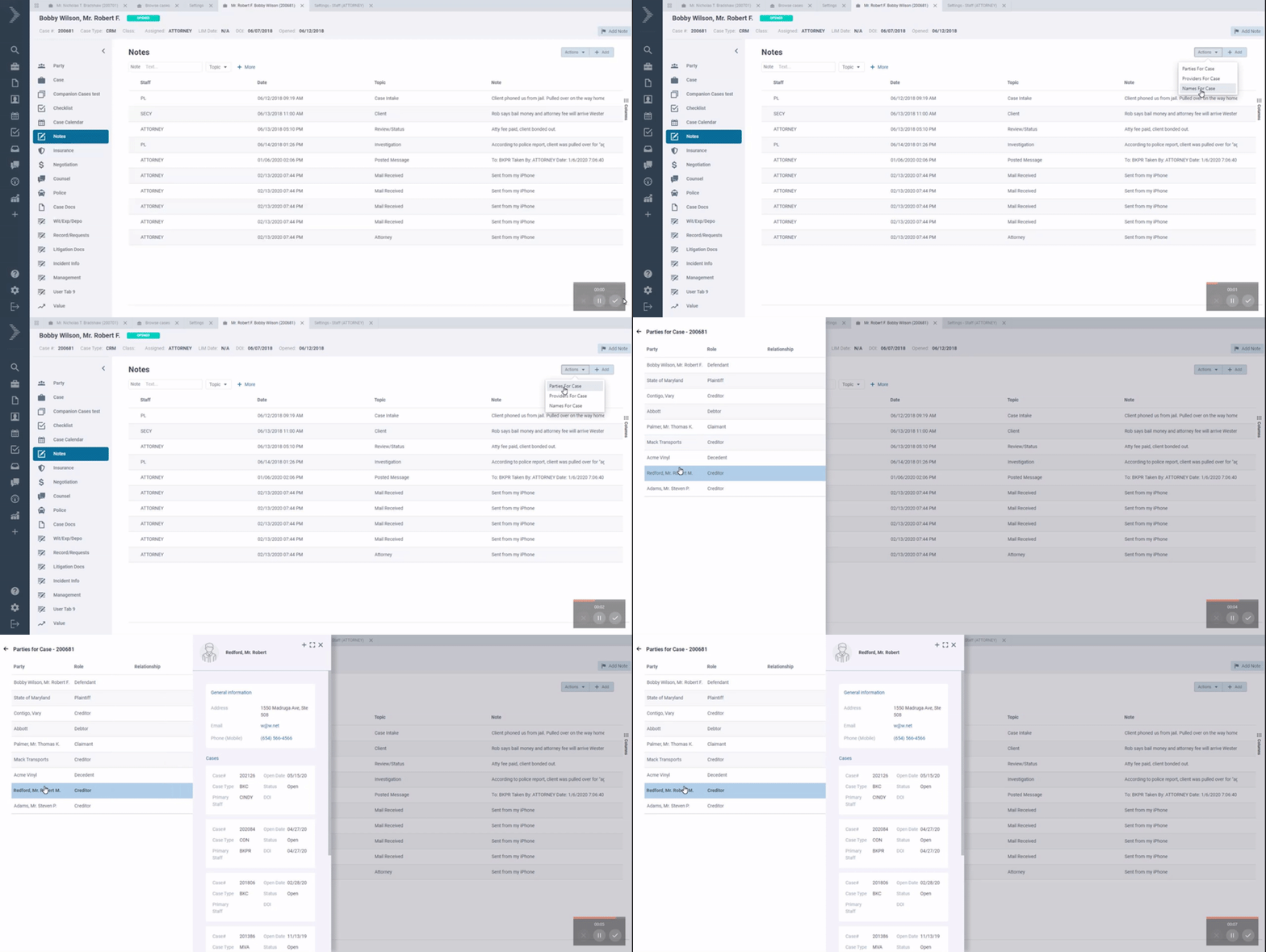
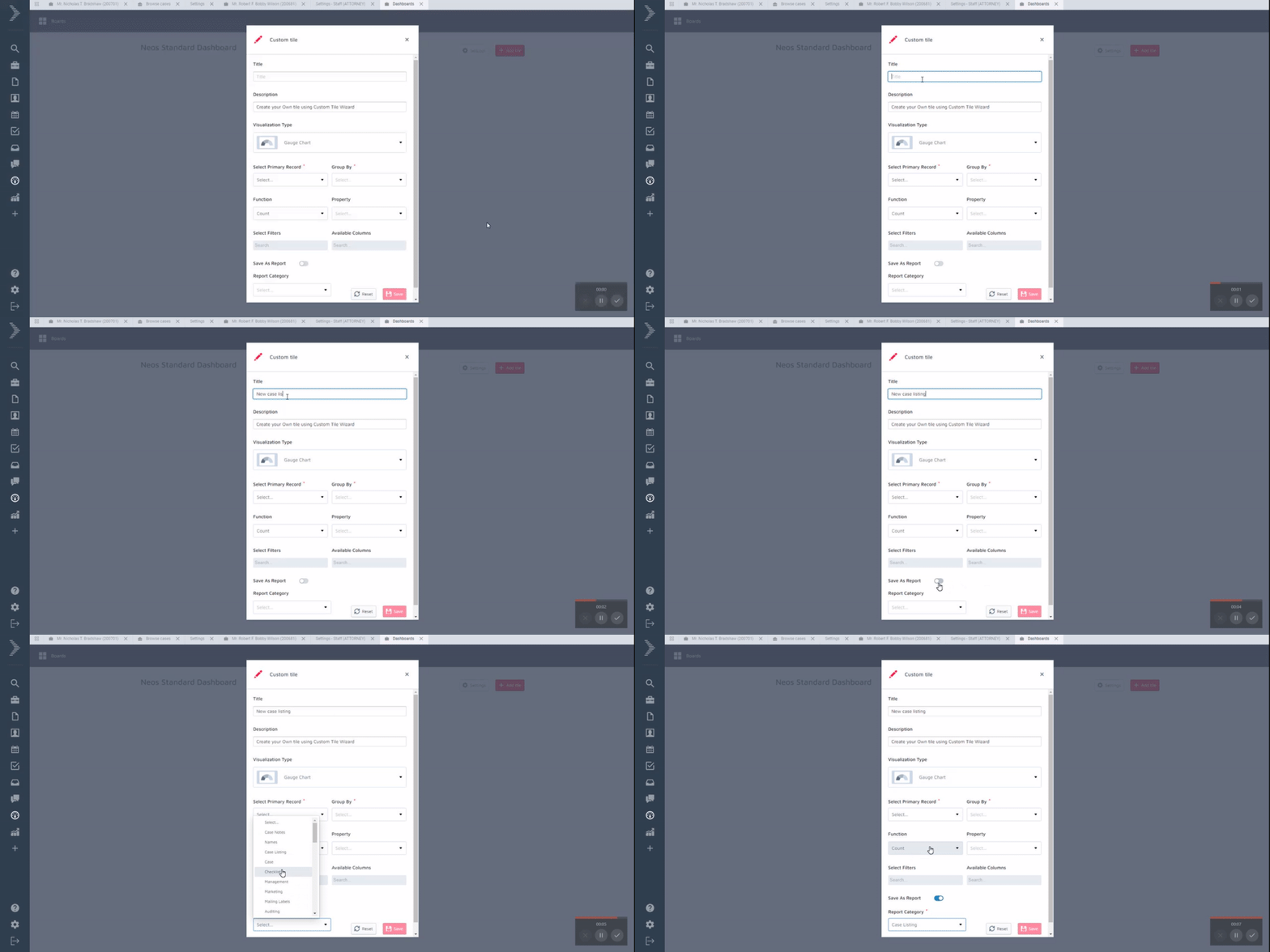
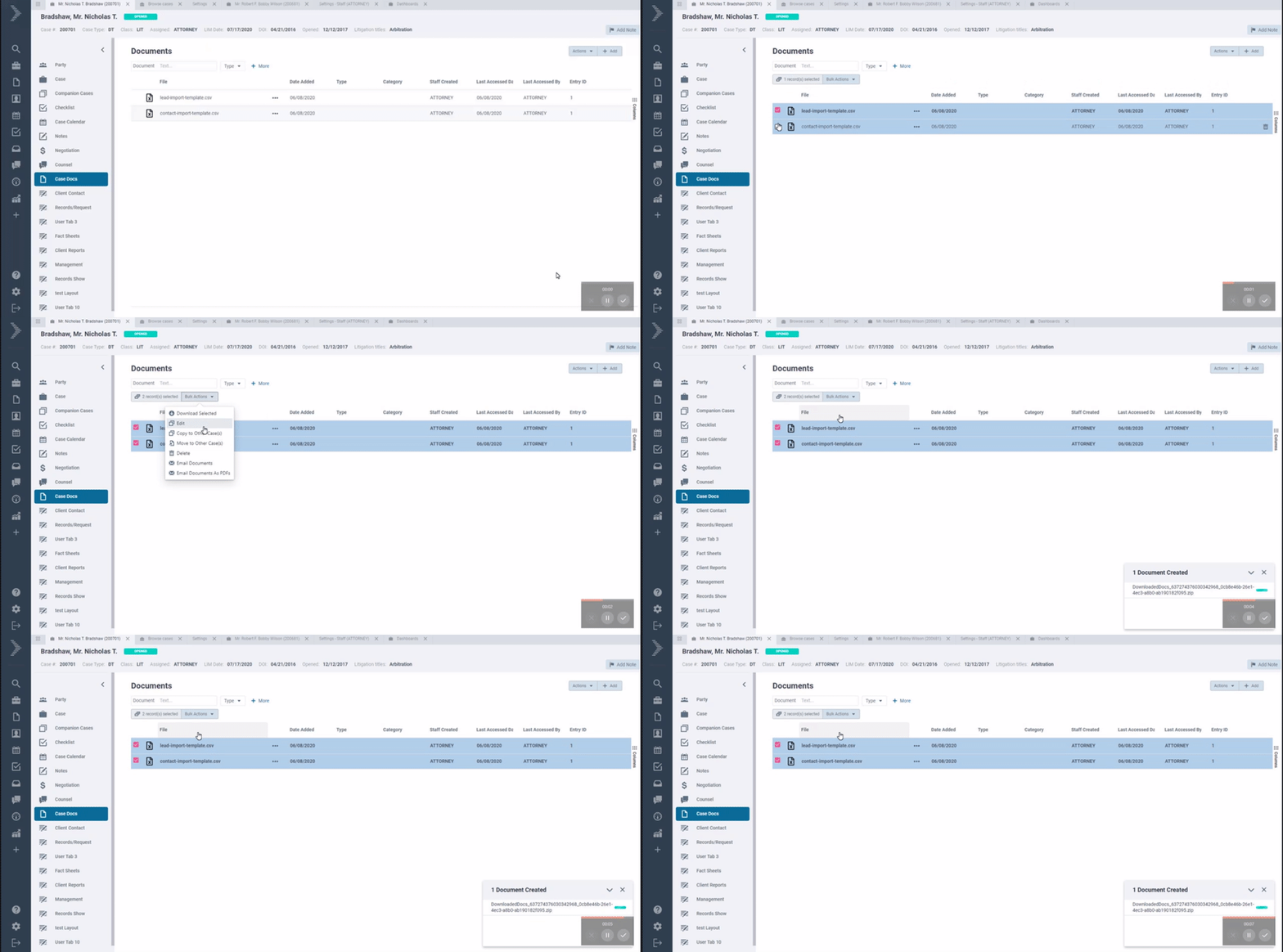

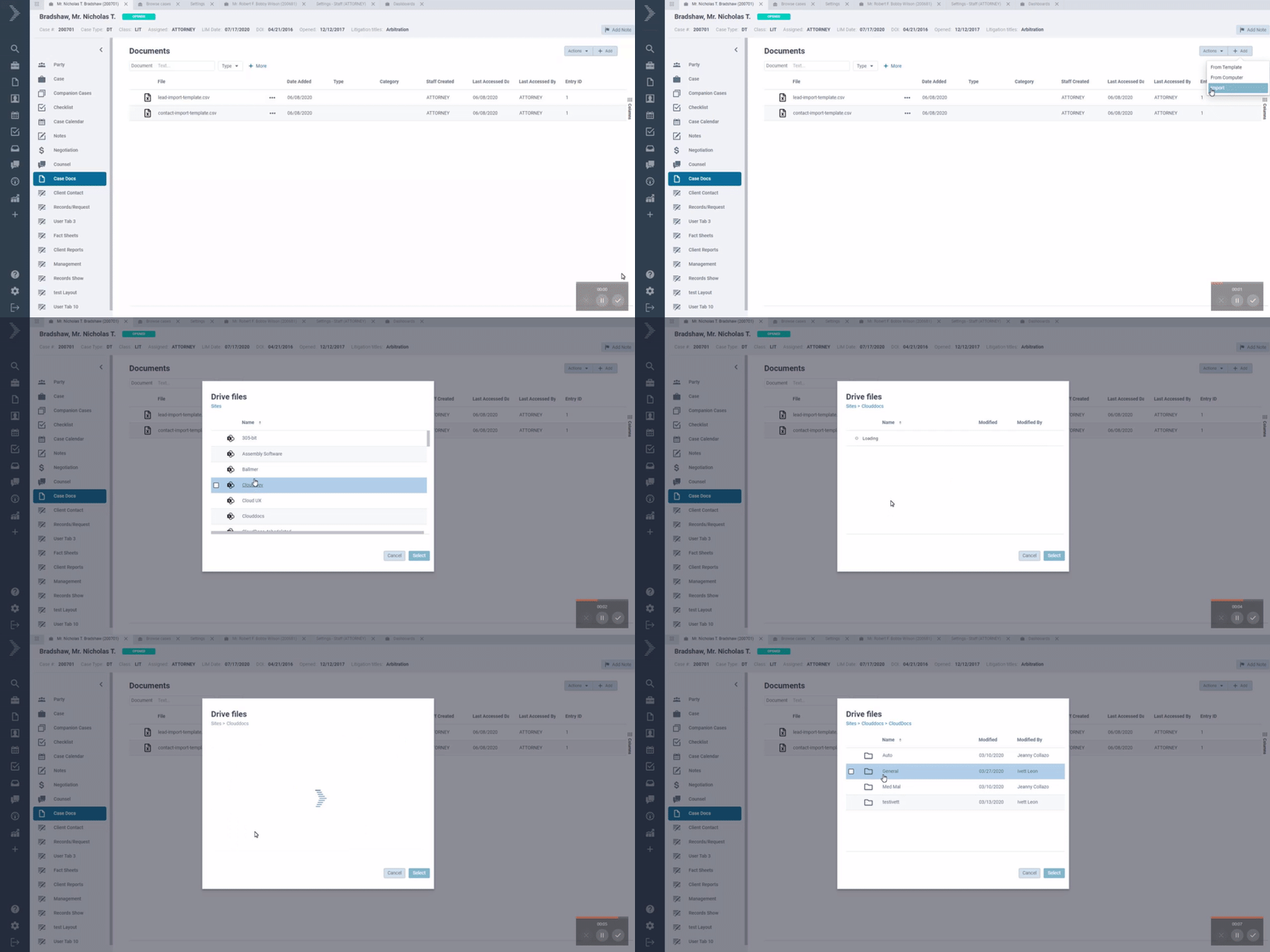
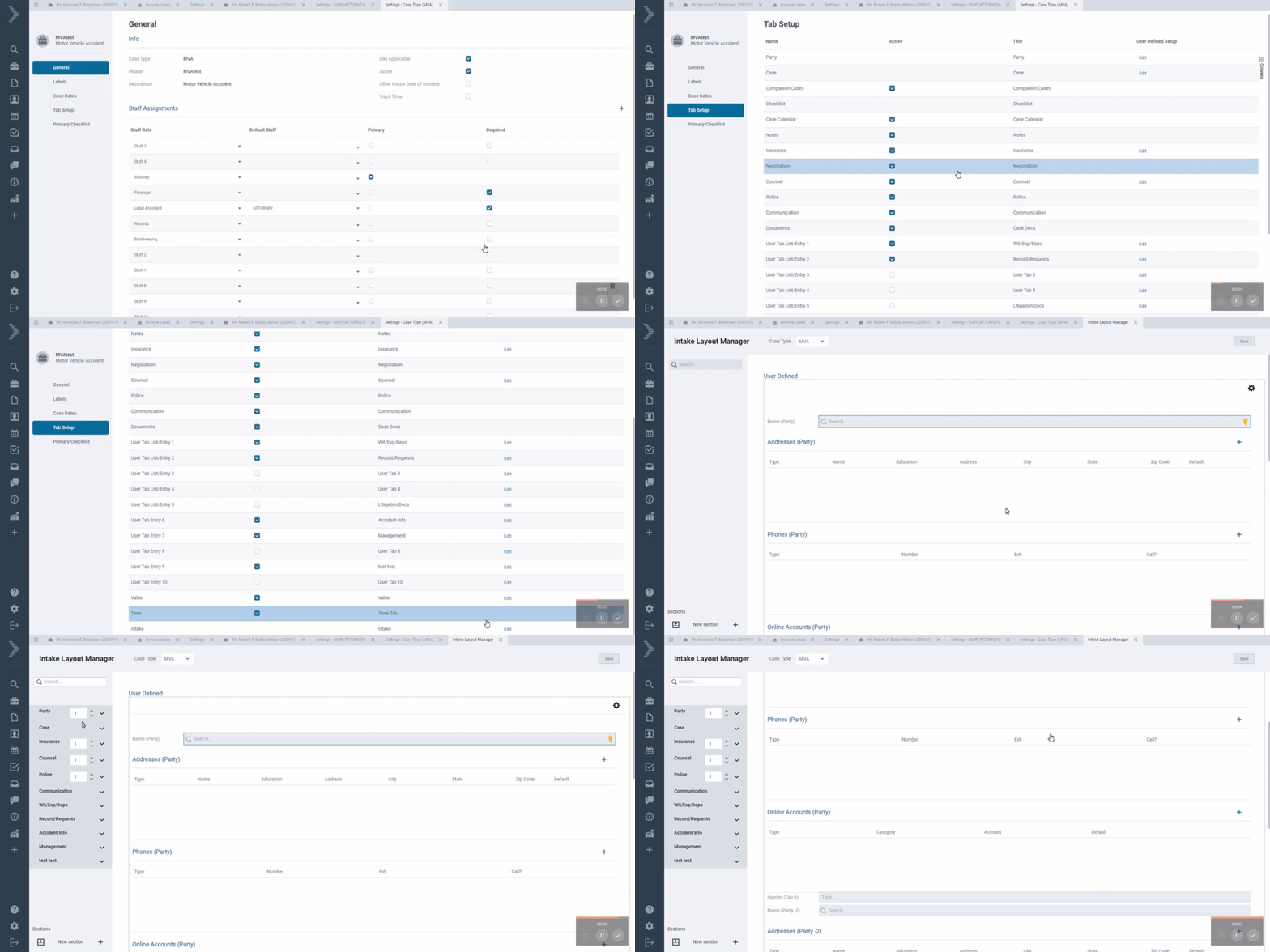
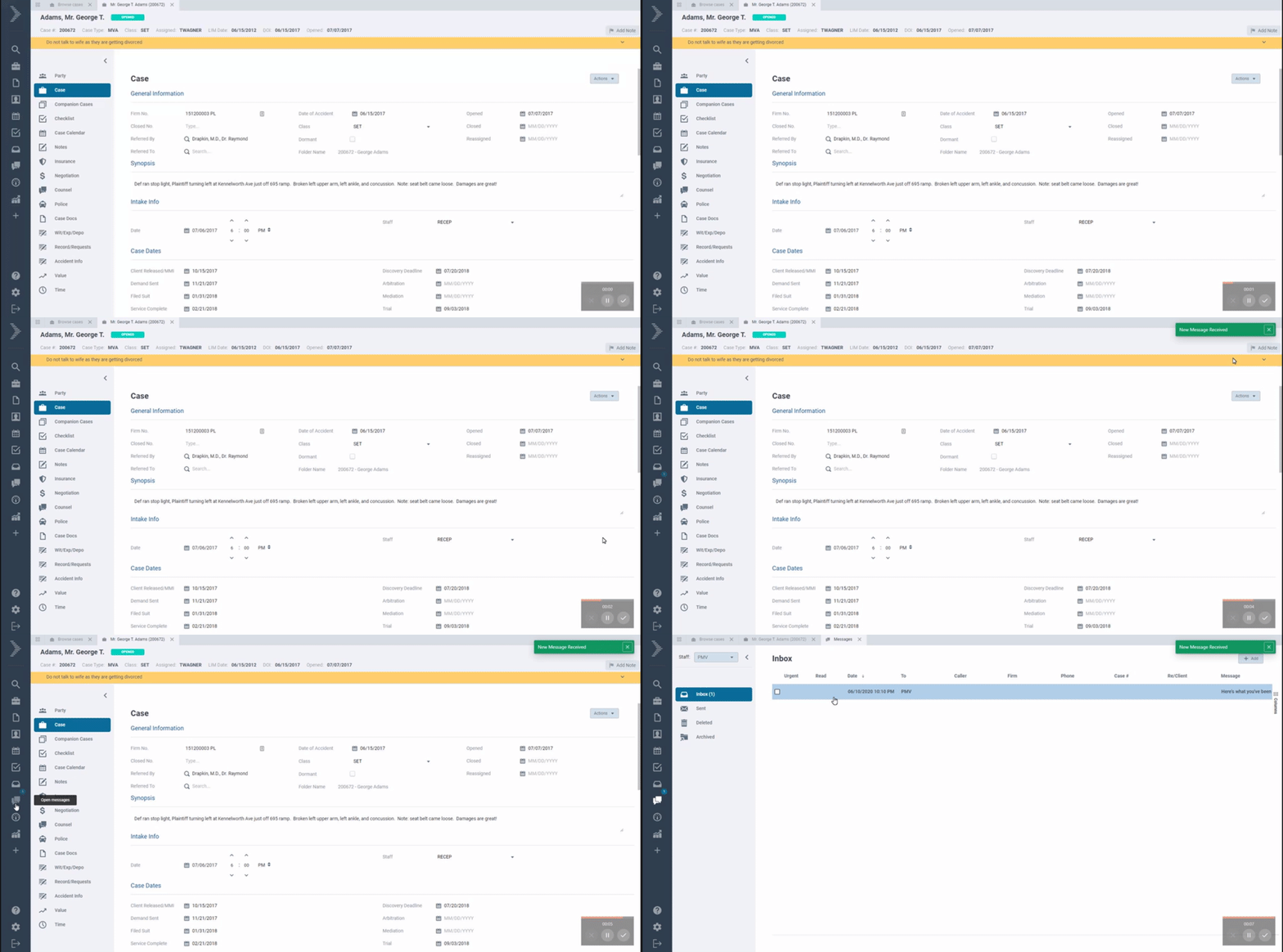
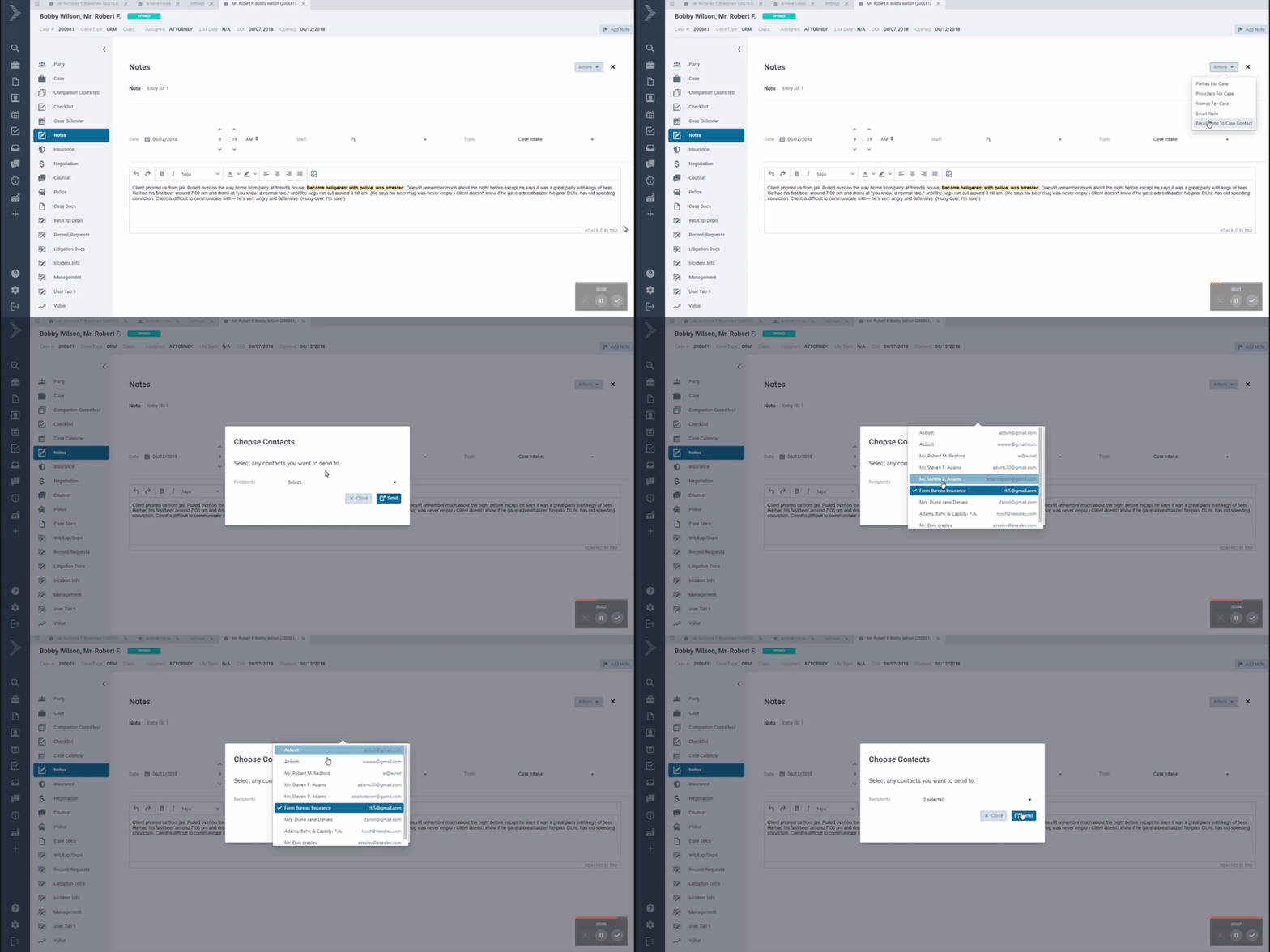
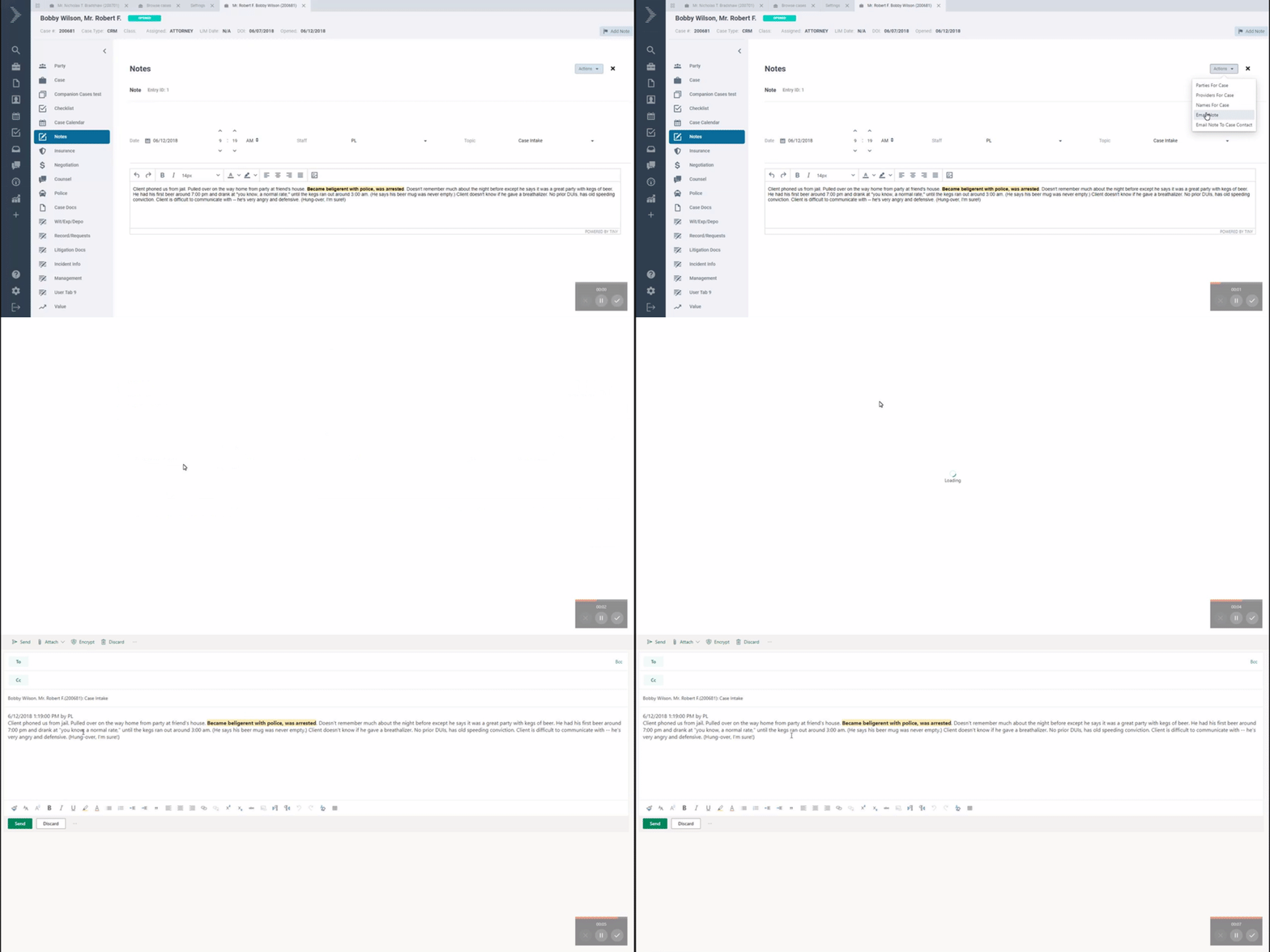
MAY 2020
Updated 5/26
|
|
|
|
|---|---|---|
|
Filters |
New look and style for filters for a better look and to make it easier to see the filter values |
|
|
General |
Improved error handling in the application to prevent all-white screens when user experiences any connectivity errors. |
|
|
Outlook Addin |
New version of the Neos Outlook addin is available. You can now see more the case type, case status and case date of incident when searching for a case to tag emails. This update requires users to remove and reinstall the addin. Instructions to install the addin |
|
|
Party |
Party tab now opens the first party detail screen by default |
|
|
Performance |
Optimization to Office 365 integration to improve the calendar integration performance |
|
|
Performance |
Optimization to Document assembly engine to improve generation from templates |
|
|
QuickBooks SDK Agent |
New version (2.1) of the QuickBooks Integrator is now available. Download |
|
|
Reports |
New optimized look for reports results view |
|
|
Reports |
New category added under reports to group “All Report Templates”. These report templates have many filters and columns options that can be used as a starting point to create new reports |
|
|
Reports |
You can now flag reports as favorites and group them under a new “All Favorites” category |
|
|
Reports |
You can now search by report name under any reports category |
|
|
Reports |
You can now edit standard reports with a new report editor. This allows users to configure how filters and columns are displayed in the report view. You can enforce required filters, set default values and even rename column headers. The edit option is available for all standard reports. |
|
|
Reports |
Report date columns like LIM date, Date of Accident, etc now only display the date without the time in report results |
|
|
Reports |
Reports with Birthday filters now allow users to type a specific month and day range to show all contacts within a specific Birthday month range. Please note that when using Date of Birth filters, a default year 1900 will be added but the report results will show all years. |
|
|
Templates |
You can now add Microsoft Word templates in .doc, .dot, and .dotx formats. Word .dot and .dotx formats allow advanced Word coding functions that are now supported in Neos Document generation. |
|
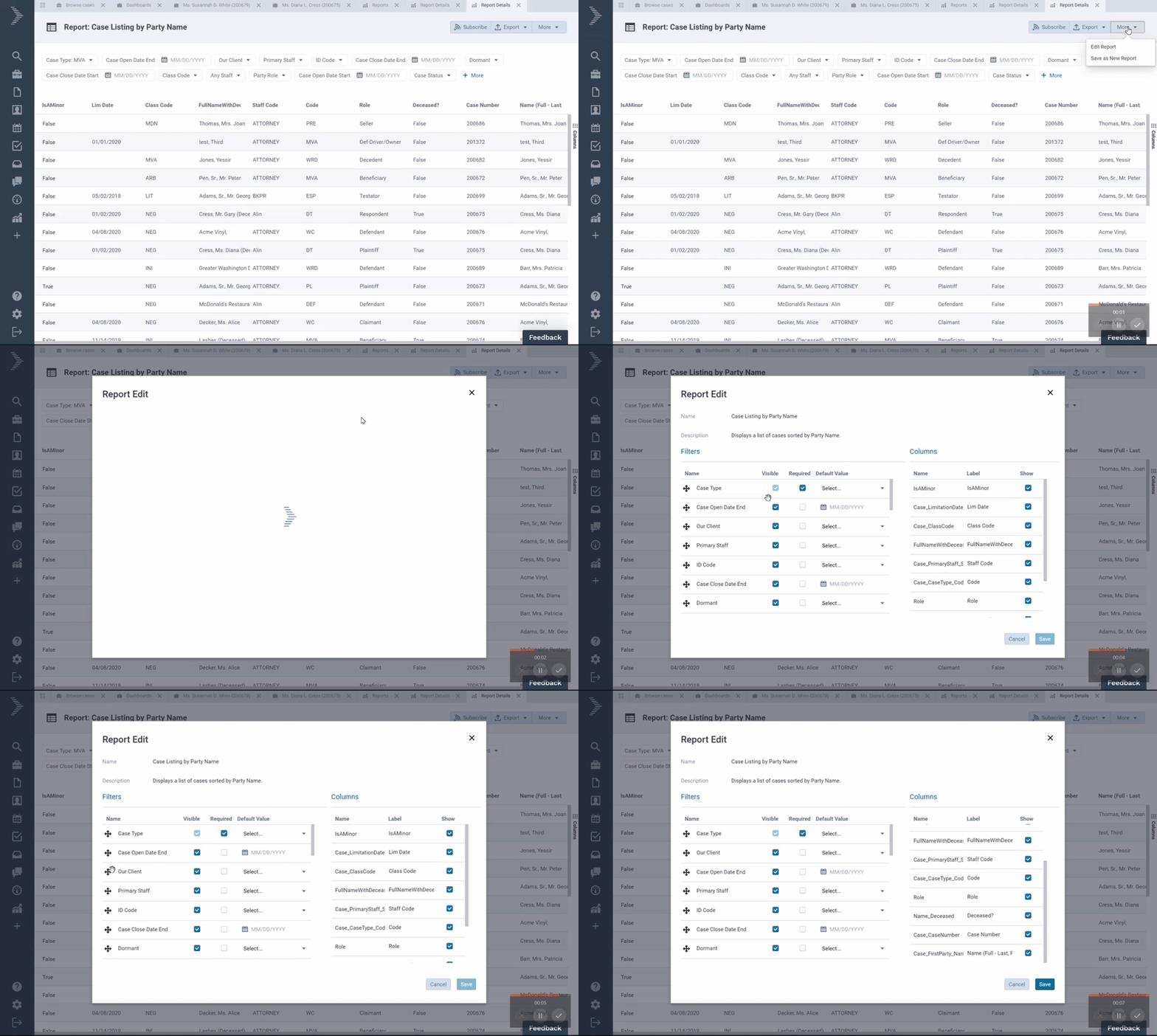
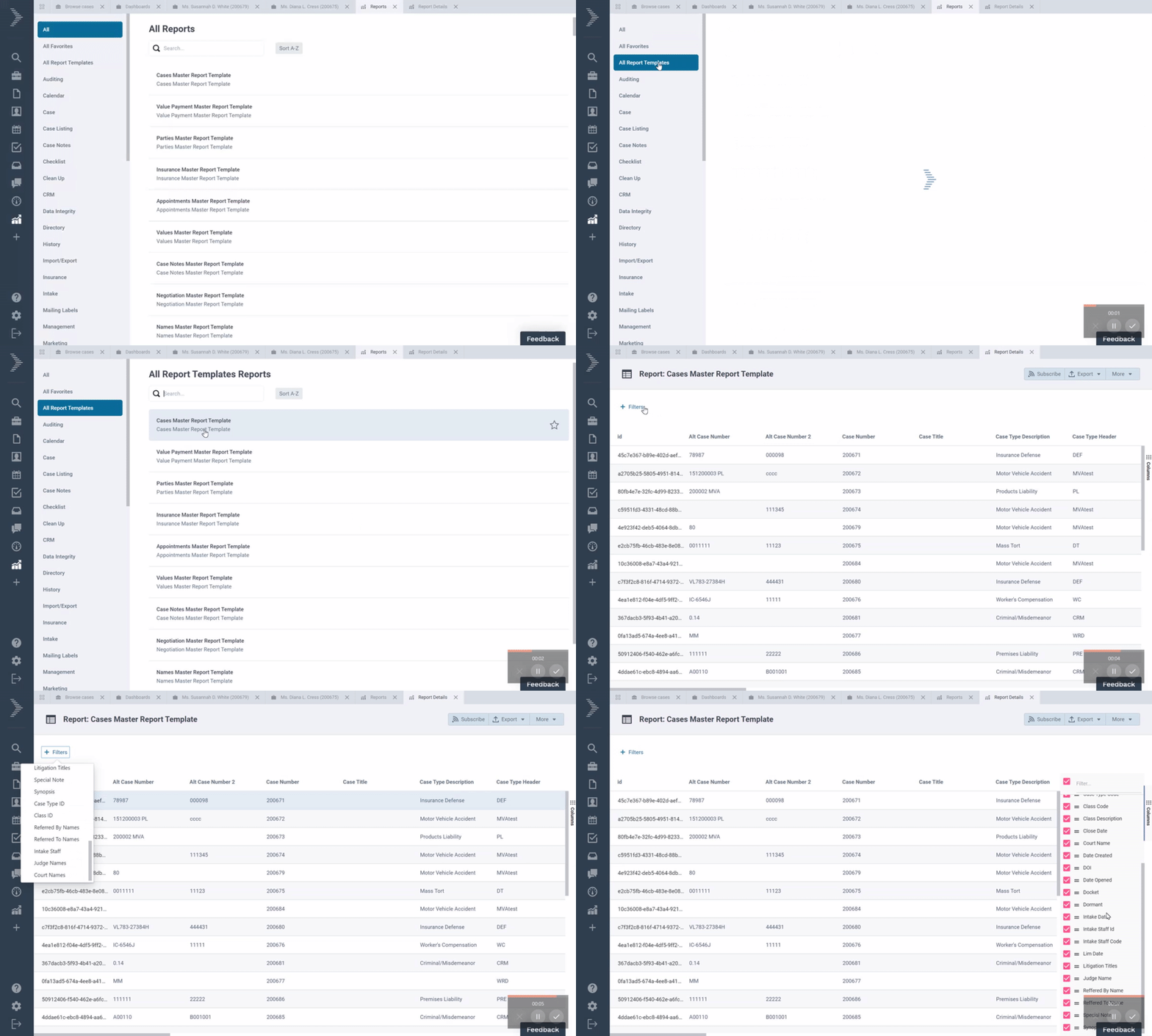
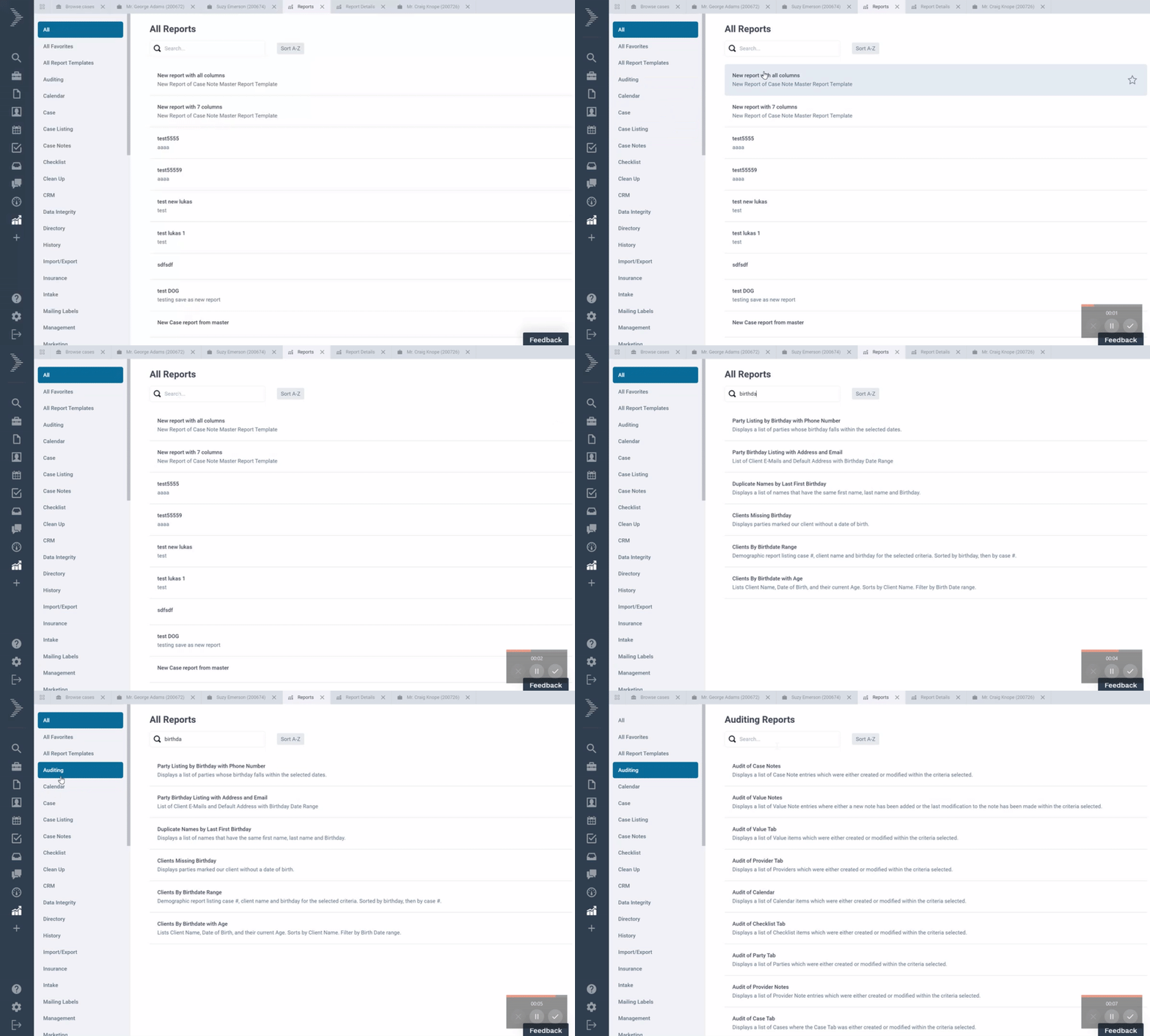
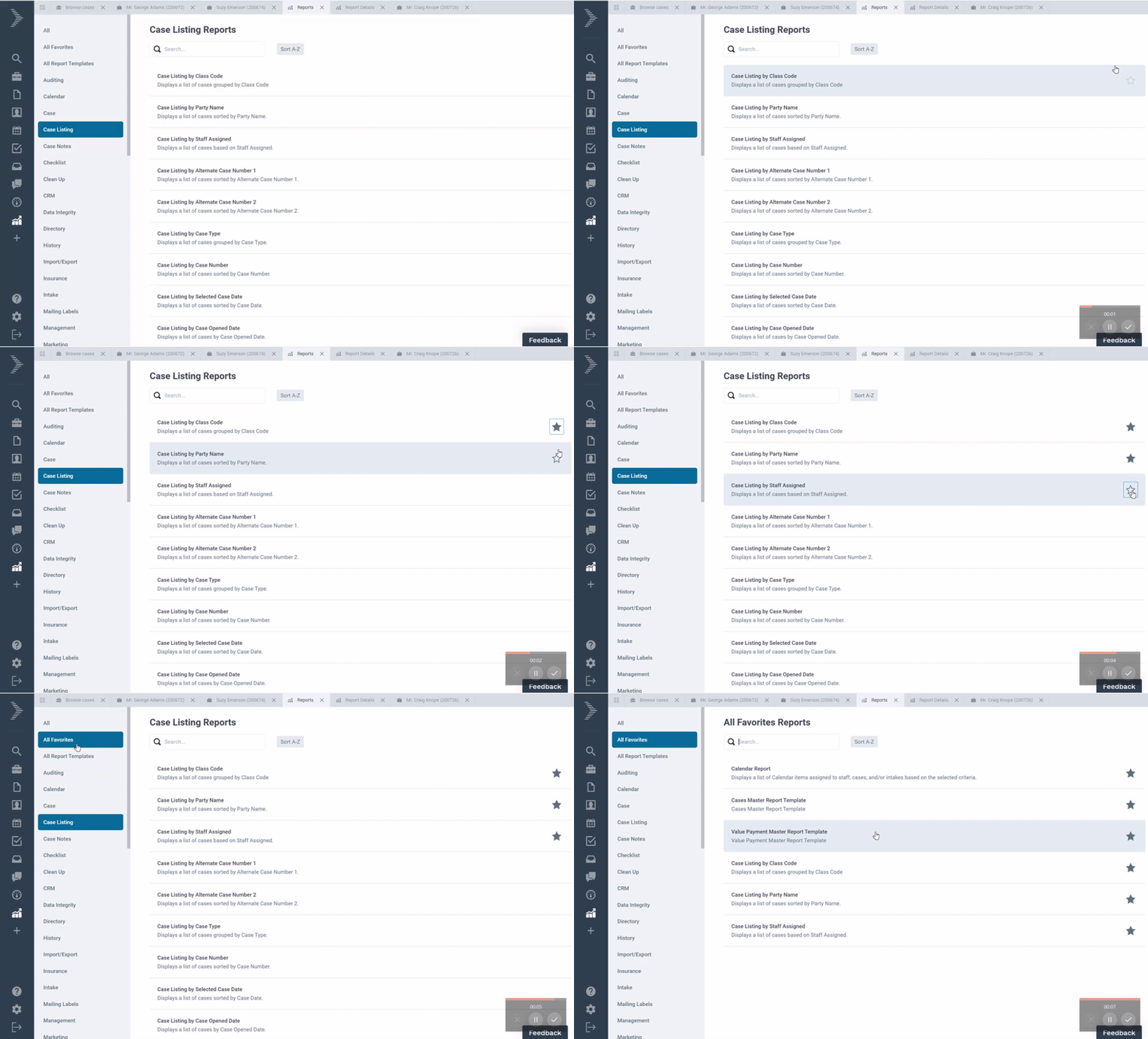
APRIL 2020
Updated 4/28
|
|
|
|
|---|---|---|
|
Case Header |
Case Header now displays any Auxiliary checklist applied to a case |
|
|
Case Tab |
Each case now includes a field under the Case tab to specify the name of the Sharepoint folder for case docs. This is currently only available for new cases and cases without documents |
|
|
Documents |
The document sidepane now includes DocuSign status for documents pending electronic signatures. |
|
|
Documents |
You can now all see documents by last accessed date or last accessed staff so you can quickly access your recent documents |
|
|
Documents |
Documents are now saved under subfolders that match the document type. This allows you to control the folder structure in Sharepoint using your Document Type mini directory. |
|
|
Performance |
Optimization to Case tabs to improve the loading performance |
|
|
Performance |
Optimization to Office 365 integration to improve the calendar integration performance |
|
|
Performance |
Optimization to Document assembly engine to improve generation from templates |
|
|
QuickBooks SDK Agent |
New version of the QuickBooks Integrator is now available. Download |
|
|
Search |
You can now add a new provider from the search sidepane after running a provider search |
|
|
Texting |
SMS messages are now saved to Notes tab. The communications tab has been removed. |
|
|
Templates |
Templates are now converted to the new merge tags when you use them for the first time. If you migrated your templates from Needles 4/5, your templates were set up using F1,F2, etc. The first time you use these templates, Neos will convert the tags to a new format that’s easier to use. The next time you use these templates, you will see the new format in the template preview. |
|
|
Templates |
Templates are now compatible with Microsoft Word Field codes. If you have any existing templates that use Field Codes (e.g. IF statements), the tags will be converted to the new tag format and Word will insert the appropriate text after the document is generated. More information on Microsoft Word Fields codes can be found in the following link: Field codes: IF field |
|
|
Time |
You can now add billable time to any case and automatically calculate amounts based on staff rate and task rates |
|
|
Time |
Task rates for Time entry are now configurable under Mini directories |
|
|
Word Addin |
New version of the Word addin is available now with support for certificate of service tags and docusign tags. Download |
|
MARCH 2020
Updated 3/30
|
|
|
|---|---|
|
Add First Insurance Column in Advanced Search for Cases |
Users will now have the ability to run reports using information from the first insurance record listed in the insurance tab of a case (which, for some firms, is usually the client’s insurance record). |
|
Global Documents – Add Case Name and Case Type as Columns to Browse Documents |
When looking at the browse documents list, users will have the ability to see the case name and case type of the case containing the documents. Users will now be able to filter the browse documents list by case type. This will allow them to find all related documents in different case types. |
|
Time Tracking Features |
This is an expansion of Neo’s current time tracking & billing capabilities. Firms will now be able to utilize a firm level default time increment, as well as have the ability to display time duration as a decimal. |
|
|
|
|
|---|---|---|
|
Bulk Edit |
Bulk Edit is now available as a Bulk Action under all Case Tabs with multiple records |
|
|
Calendar |
Calendar integration with Outlook is now faster |
|
|
Documents |
A Document Preview is now displayed in the Document summary sidepane when you select a specific document in the Case and Provider Documents Tab |
|
|
Filters |
Filters are now applied automatically when you select them under Case Tabs |
|
|
General |
New name and new logo! |
|
|
Mass Updates |
Mass Updates is now available from Companion Cases |
|
|
Outlook Addin |
Outlook Web Addin is now available for all Office 365 users. You can use this addin to file emails to cases and to look up case information by a contact’s email address. The addin works on Outlook for Windows, Mac, Web, and Mobile. Instructions to install the addin |
|
|
Outlook Integration |
Customers migrating from Needles 4/5 no longer have to synchronize the calendar under Settings. Neos Calendar now displays appointments created before migration. New appointments will appear in both Outlook and Neos for staff with activate integration. |
|
|
Party |
You can now drag and drop parties under the Party tab. This allows you to change the party that is displayed in the case header |
|
|
Quickbooks SDK Agent |
QuickBooks SDK Integration Agent is now available for general release. Download |
|
|
Reports |
You can now create new reports from master report templates that give you a full view of your data. |
|
|
Reports |
You can now click to open a case from any report results list |
|
|
Settings |
You can now link your Needles Neos Case Docs, Provider Docs and Templates to specific Sharepoint folders under Settings > Firm Preferences. More Information |
|
|
Value |
You can now filter by a specific Party in the case under the Value tab |
|
|
Word Addin |
New version of the Neos Word Addin is now available. Now with support for lists, prompts and many more merge tags. Download |
|